
Delivered
Show Datum Planes "as glass"
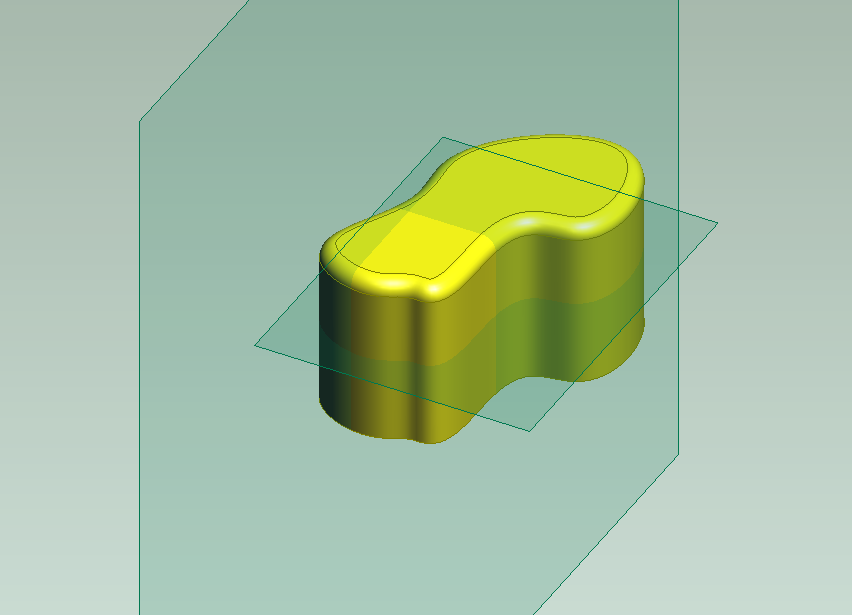 Many years ago I used Pro/Desktop PTC software - it was really good. UI was very intuitive and user friendly! There was an option to show all workplanes - datum planes "as glass" - it means all datum planes have light green clolur with high level of transparency. As a result of that user can see better where the datums interfere with the geometry. It is posible to obtain similar result using Fill, but I think If we'll have just a checkbox in the context menu for Datum Plane feature to see it "as glass" - will be really great!