
Jan 21, 2014 12:26 PM UTC
Acknowledged

Combined State in drawing does not carry Style

Related products:Creo Parametric

Although you can add a Style to a Combined State in 3D mode, you cannot take advantage of it in a drawing view.

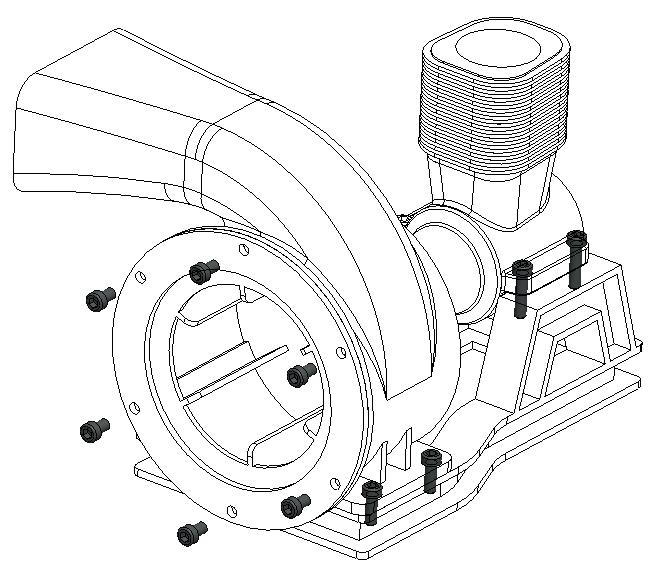
The drawing Combined State should carry style too, so that we can create an assembly view with different display styles for its components.

i.e.: To hightlight one component in an assembly with Shading, while the rest of the components remain No Hidden.
Snap 2014-01-21 at 12.25.16.png

21 replies

Sep 15, 2025 1:44 AM UTC

There are several related idea's for making the drawing package just show the model.   Which would be a really excellent option.  Make all your model updates in 3D then just be able to show them on an old school 2D drawing.   It would make the time spent applying MBD data so much more useable.   Aim for the 3D data exchange, but if there is pushback, just show the same work on a drawing format.   Actually sharing 3D datasets isn't trivial yet, and won't be for many years.  These ideas should have been in place since Wildfire 2.  But, history is past, please provide these tools in the near future. 

https://community.ptc.com/t5/Creo-Parametric-Ideas/Update-Combined-State-in-Drawing-View-when-Combined-State-has/idi-p/666365

https://community.ptc.com/t5/Creo-Parametric-Ideas/Combined-state-appearances-should-be-available-within-various/idi-p/1015476

https://community.ptc.com/t5/Creo-Parametric-Ideas/Drawing-View-Combination-State-Does-not-show-style-with-both/idi-p/858960

https://community.ptc.com/t5/Creo-Parametric-Ideas/Allow-Combined-State-Annotations-to-be-Automatically-Displayed/idi-p/481327