Nov 19, 2019 12:38 PM UTC
Question

How to activate in" Customization " links?

Hello everyone, please tell me how I can activate in "Customization" links "TestClients " and "NewParticipant Picker"?
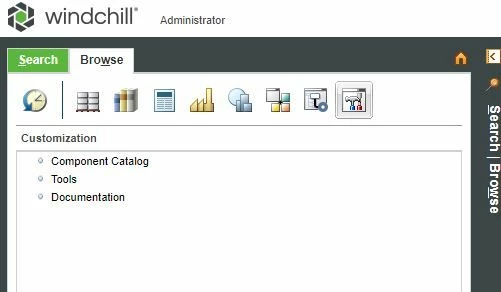
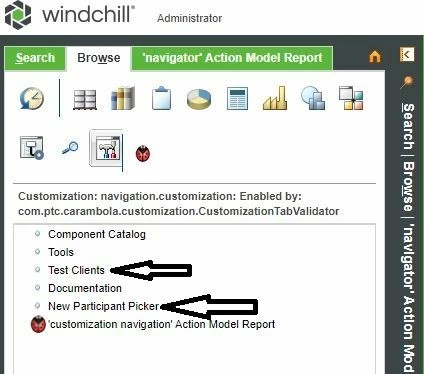
CUST_0.JPGCUST_1.JPG

6 replies

Nov 20, 2019 5:20 AM UTC

Hi @VladiSlav ,


Looks like they are hidden/disabled from out of the box CarambolaTestingExamplesValidators.


If append ?jcaDebug=1 to windchill URL, you will get debug view (http://windchill_host/Windchill/app/?jcaDebug). Now, mouse hover on the link which is not visible UI and you will see it is either hidden by or disable by above validator class.


CarambolaExample.png


Looks like this class exposed/supported for customization. 


Regards,

Shirish

VladiSlavAuthor
Nov 20, 2019 5:34 AM UTC


@ShirishMorkhade_238755and how can I configure these links to become active?
Nov 20, 2019 6:33 AM UTC

You need to write your own validator and extend above validator class CarambolaTestingExamplesValidators. 


In your custom validator override performLimitedPreValidation andperformFullPreValidation methods and add your own logic.


Both method returns UIValidationResultSet which in turns contains UIValidationStatus.


Good luck!


Regards,

Shirish
