sdidierAnswer
Oct 1, 2019 7:55 AM UTC

Hello Paltoon,


I have some questions :


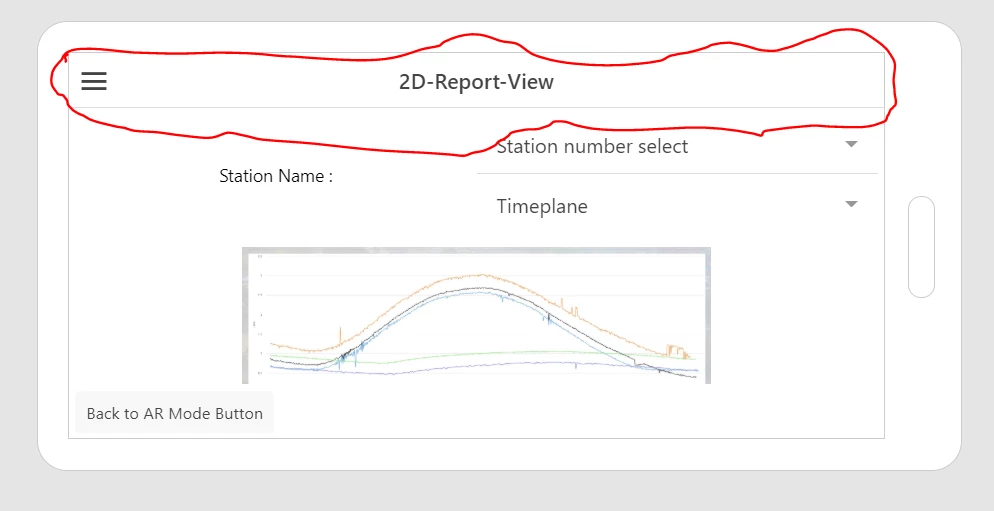
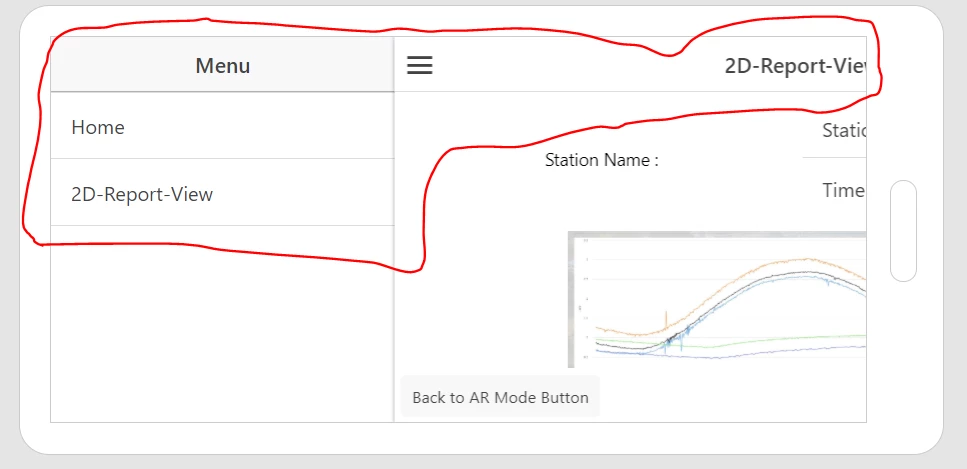
  • In Views, in 2D, are you using Header or Footer Widgets ?

           If the answer is yes, please see this article :

           https://www.ptc.com/en/support/article?n=CS313270

           If the answer is no, to hide Navigation Menu, please follow these steps :

  1. In Vuforia Studio, in the Project, in PROJECT panel, in CONFIGURATION section, Info menu
  2. In View Navigation Menu list, select the Hidden item

More details in Help Center :

http://support.ptc.com/help/vuforia/studio/en/index.html#page/Studio_Help_Center/ConfigInfo.html


Best regards,

Samuel

2 replies

sdidierAnswer
Oct 1, 2019 7:55 AM UTC

Hello Paltoon,


I have some questions :


  • In Views, in 2D, are you using Header or Footer Widgets ?

           If the answer is yes, please see this article :

           https://www.ptc.com/en/support/article?n=CS313270

           If the answer is no, to hide Navigation Menu, please follow these steps :

  1. In Vuforia Studio, in the Project, in PROJECT panel, in CONFIGURATION section, Info menu
  2. In View Navigation Menu list, select the Hidden item

More details in Help Center :

http://support.ptc.com/help/vuforia/studio/en/index.html#page/Studio_Help_Center/ConfigInfo.html


Best regards,

Samuel

PaitoonAuthor
Oct 2, 2019 3:23 AM UTC
Yes..... I have footer in 2d-report-view. so i remove and update about configure hidden again and now hidden menu work. it hide`!! Thank you