Jul 27, 2022 10:56 AM UTC

Hi @hno ,


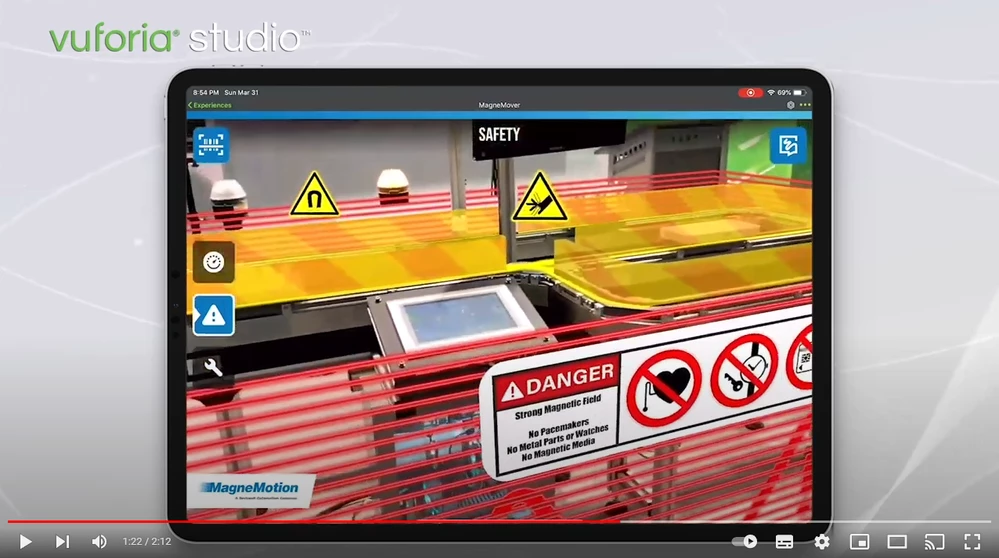
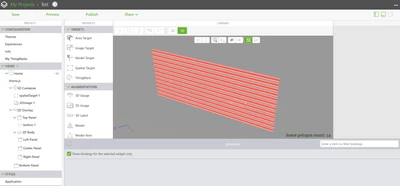
The way i think could be simply using a png image and creating the required grid box using the 3D-Image.

To make it more easy, i am attaching a png file of Red lines zone and studio screenshot 


Let me know if this works for you 


MK_10166888_0-1658919378370.png


Best Regards,

Mohit

3 replies

Jul 27, 2022 10:56 AM UTC

Hi @hno ,


The way i think could be simply using a png image and creating the required grid box using the 3D-Image.

To make it more easy, i am attaching a png file of Red lines zone and studio screenshot 


Let me know if this works for you 


MK_10166888_0-1658919378370.png


Best Regards,

Mohit

hnoAuthor
Jul 28, 2022 4:29 AM UTC

Hi.  @Mohit_Kabra27


Thanks for your help.


Are there any events that could detect the passage of this area?


danger_zone.PNG


Best Regards,

Jul 28, 2022 6:58 AM UTC

Hey hno,


As u have the Area Coordinates from the warning square, you should be able to look for the viewer position and if it's in your danger range (trigger) you fire your functions. That's how i would do it.


Best Regards
Dax