Aug 17, 2018 6:23 PM UTC
Solved

Can't Complete "Get Started with ThingWorx for IoT" Guide

First day exploring Thingworx for an upcoming project.  I'm unable to complete the guide.  I'm stuck at the Mashup where you bind data to the Time Series Chart.  The data is bound, but I'm unable to select "timestamp" for the XAxisField.
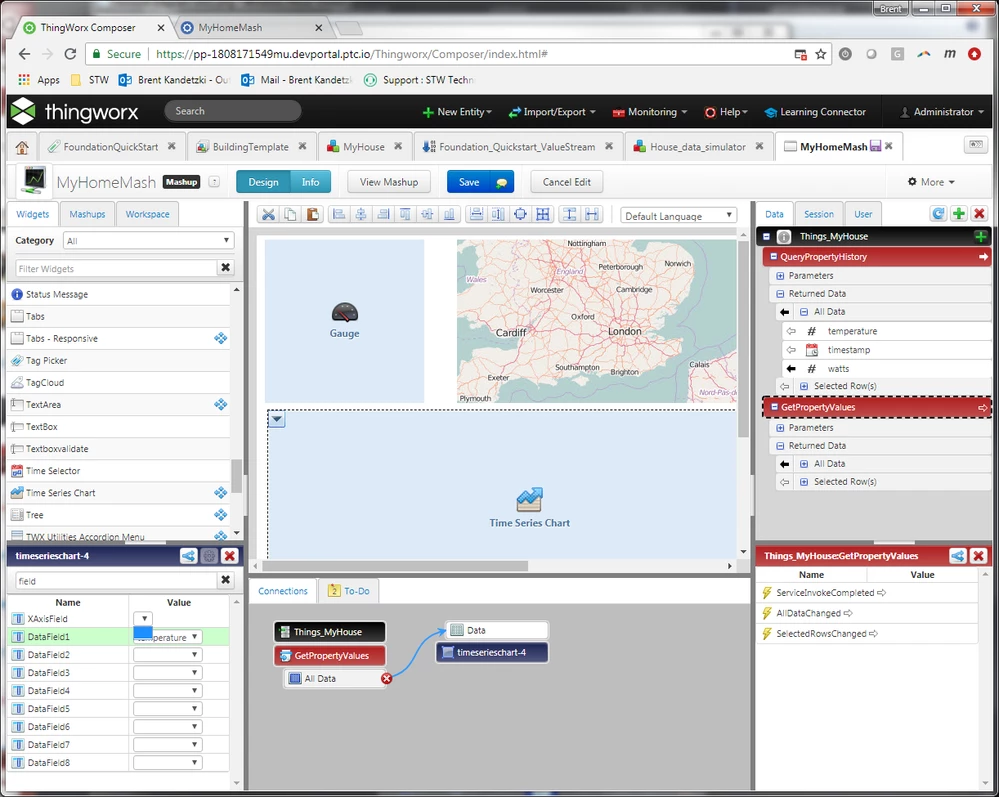
image.pngimage.png


Is there a step I missed?


Thanks,

Aug 17, 2018 6:53 PM UTC

There is an omission in the Get Started with ThingWorx guide in step 13 of "Create Application UI" step. You should bind the 'QueryPropertyHistory' - 'All data' to the Time Series Chart. I just noticed this today and will get the guide updated

2 replies

Aug 17, 2018 6:53 PM UTC

There is an omission in the Get Started with ThingWorx guide in step 13 of "Create Application UI" step. You should bind the 'QueryPropertyHistory' - 'All data' to the Time Series Chart. I just noticed this today and will get the guide updated

brentzkiAuthor
Aug 17, 2018 7:54 PM UTC

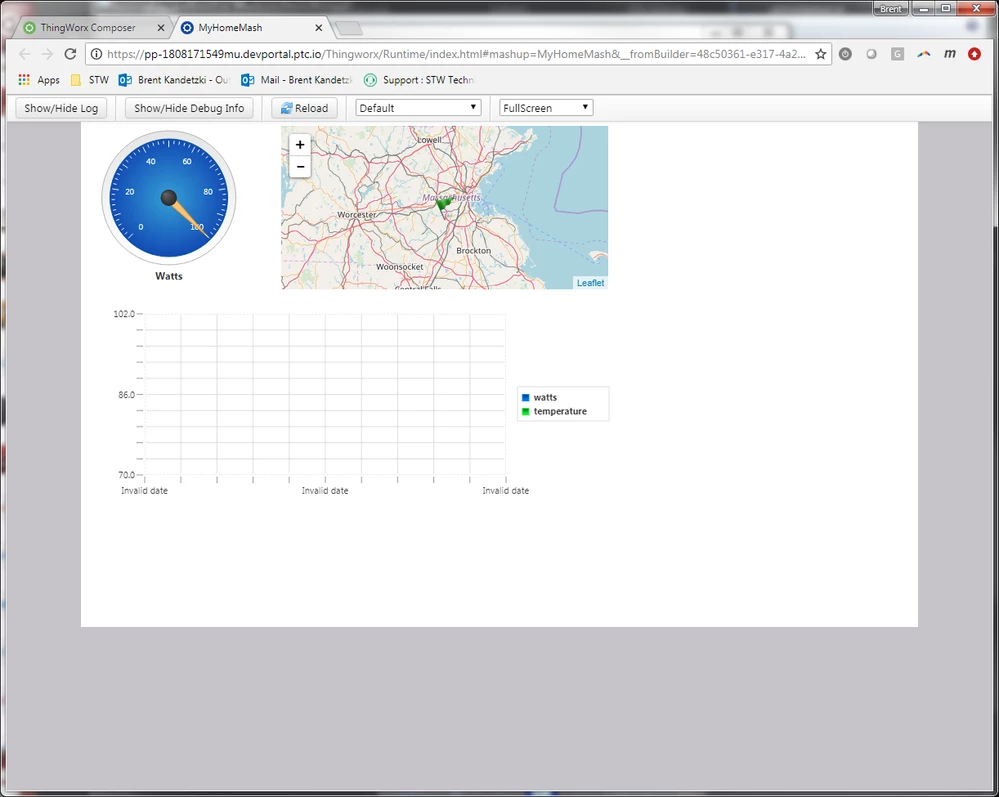
Your note did correct the issue, but now I am seeing a new issue.  All of the data is correct on my mashup, but the mashup doesn't update automatically update.  I have to use the reload button.  Based on the guide, I assumed the data would update in real time.


I can start a new thread if needed for this question.