Oct 23, 2019 9:57 AM UTC
Solved

Add "Workflow Service" throws 404 Page Not Found Error

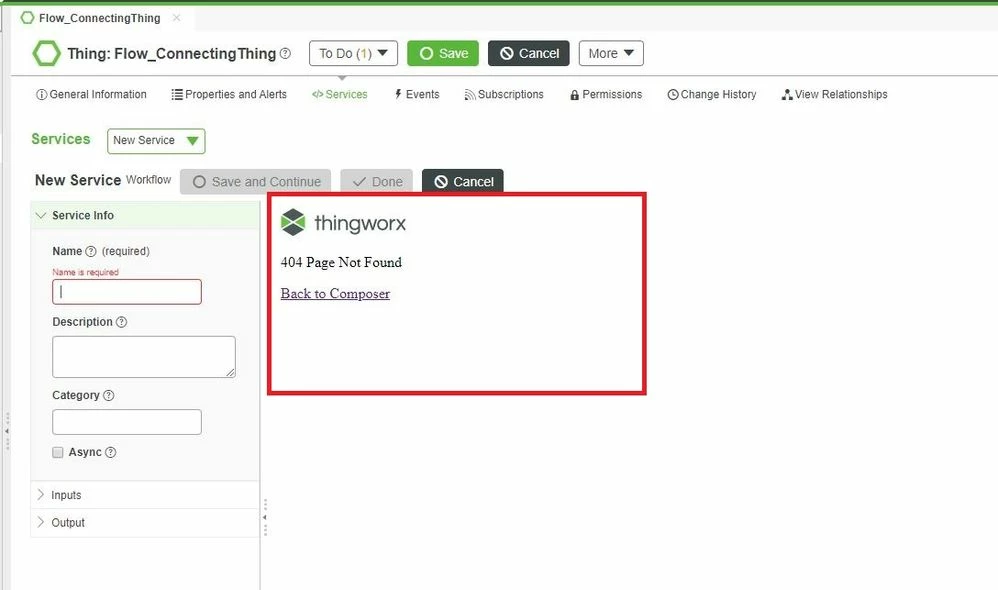
Am able to access thingworx flow from the suggested URL (https://<hostname>:<Port>/Thingworx/Composer/apps/flow). But when I created a Thing in Thingworx composer and added a service by selecting "Workflow", it throws, 404 Page Not Found error in the service creation panel. I checked the status of flow with "pm2 ls" command in command prompt and all the components are "online".


Can someone please suggest a solution. Am currently using Thingworx 8.5 version.
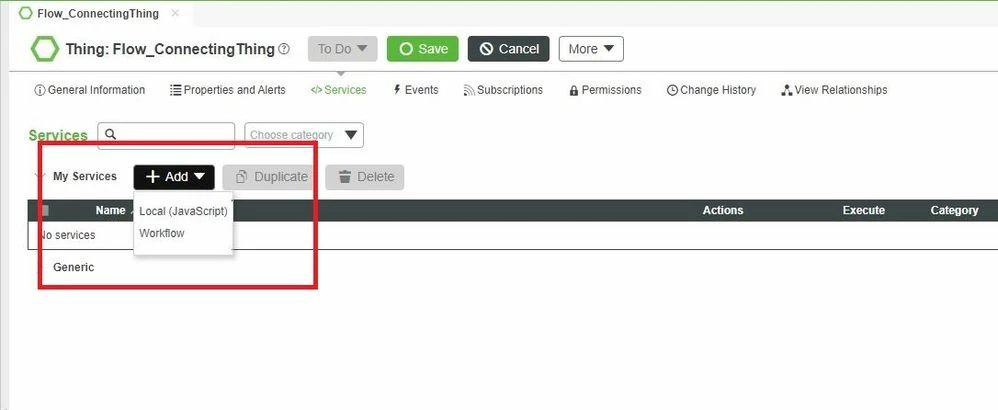
 

FlowError1.JPGFlowError.JPG

Nov 20, 2019 2:05 PM UTC

Looks like you are accessing ThingWorx composer via the tomcat url, try using nginx url. Just replace the protocol, host, port in the url with the values you provided for Flow while installing. You can also look them up from the Flow UI url

5 replies

Oct 23, 2019 1:43 PM UTC

There is a bug right now with Flow within Composer, because it assumes that Thingworx and Flow are both installed on the same port, which isn't possible if both Thingworx and Flow are installed on the same Server.

If you are installed on different servers, then make sure both are running on the same port.

Oct 25, 2019 9:20 AM UTC

Rather than a bug is actually not supported at the moment, according to R&D.

They are working on an idea to enhance this long term.


For the moment Flows can be accessed and created via the ThingWorx Flow URL in nginx - e.g.

https://myserver/Thingworx/Composer/apps/flow/#

The port is the default 443 HTTPS port defined during the nginx installation.

Nov 20, 2019 2:05 PM UTC

Looks like you are accessing ThingWorx composer via the tomcat url, try using nginx url. Just replace the protocol, host, port in the url with the values you provided for Flow while installing. You can also look them up from the Flow UI url