
Nov 2, 2020 10:26 PM UTC
Question

Problem by opening Creo 7.0

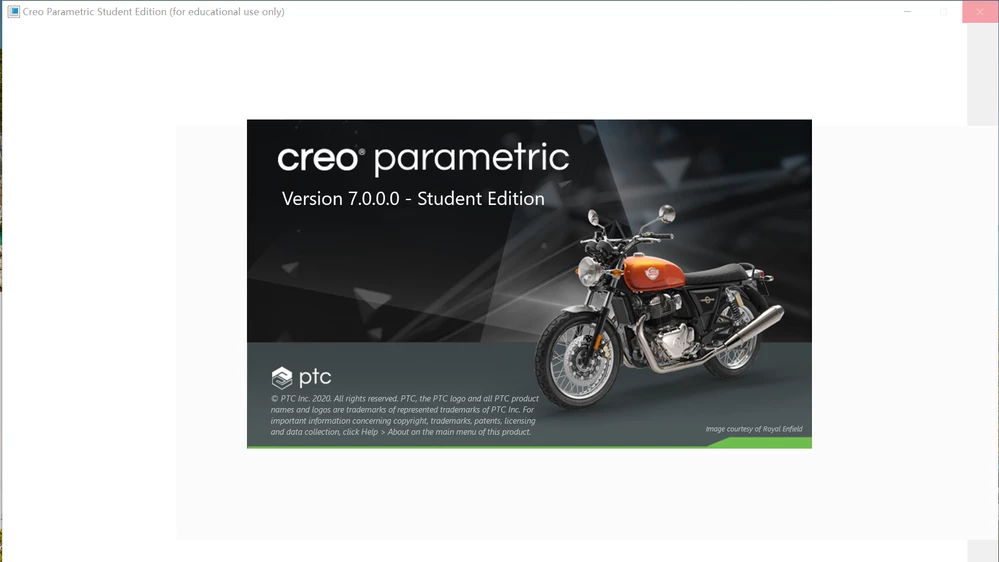
I successfully installed the Creo 7.0 Student Edition. But it can't be opened.  I can see the resource center, but the interface of the software is always blank,  like the picture in the attachment. Can anyone help me solve this problem? Thank you very much!creo 7.0.png
1 reply

Nov 9, 2020 1:45 PM UTC

Hello,


Right-click on the PTC Creo Parametric shortcut on the desktop and go to properties. Add space after the existing target path and then -g:win32_gdi. Click on apply and run the Creo. Picture is from Cfeo 4.0, but it is the same thing for Creo 7.0!


Alex_Cazacu_0-1604929487923.png

Thanks,

Alex