Apr 10, 2017 8:50 AM UTC
Question

Does "Rib" work in the Academic version?

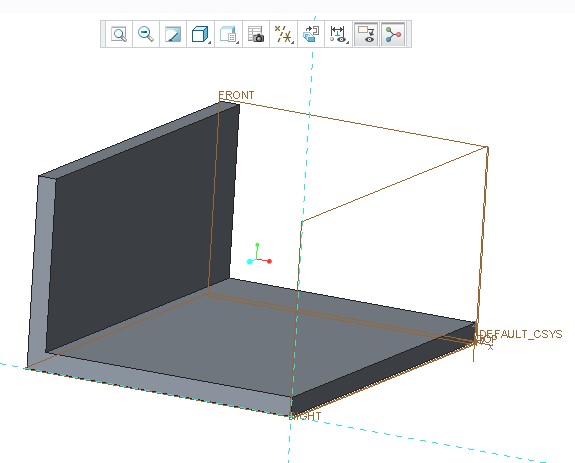
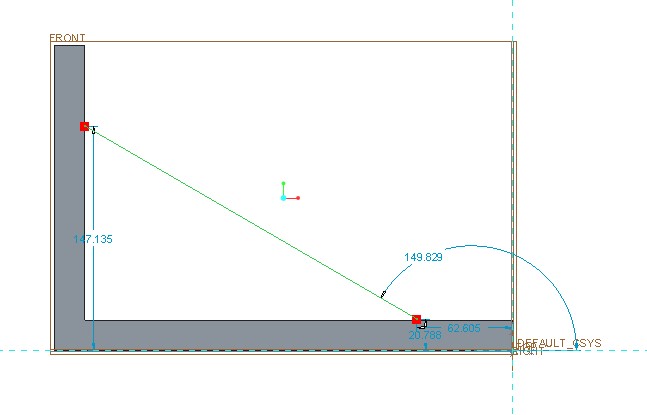
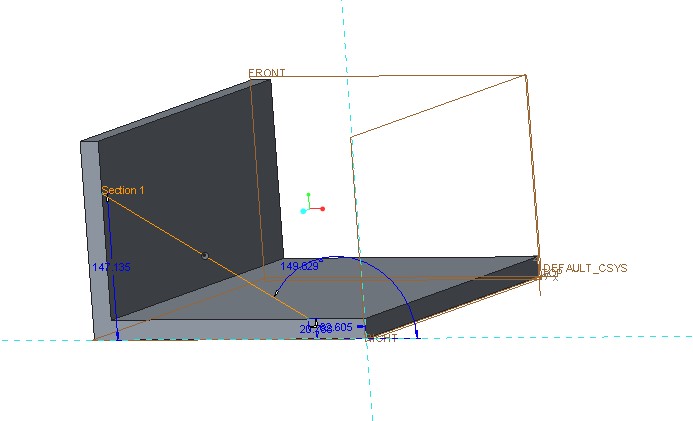
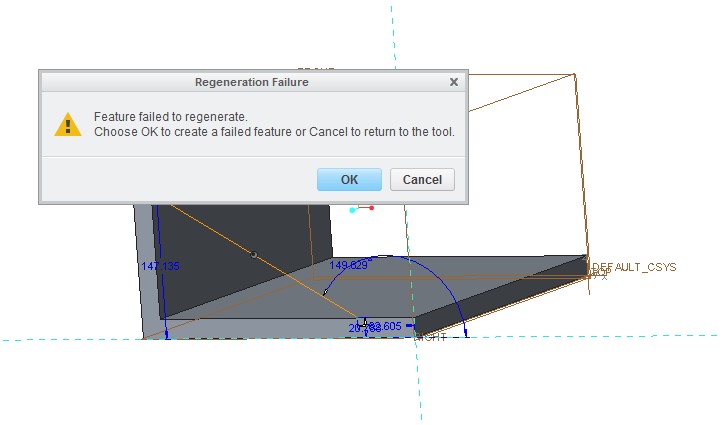
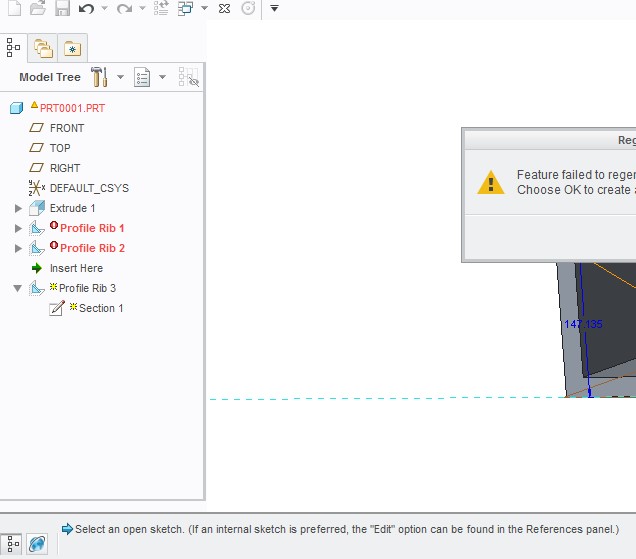
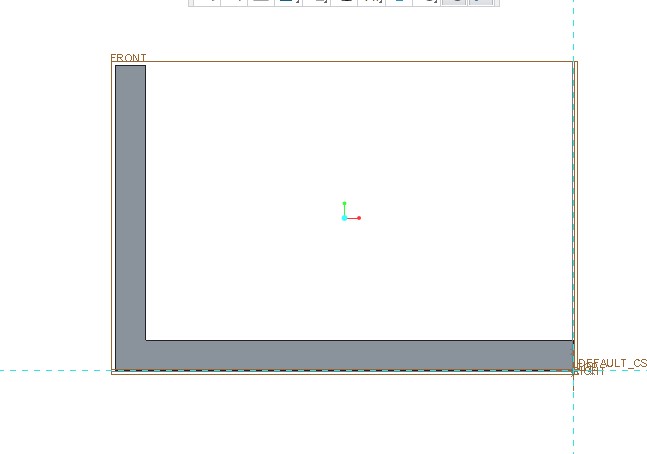
Here's what I get.  Last model tree indicates multiple screw-ups.  What am I doing wrong?  I was trying to use "profile rib" in Model ribbon.
A.jpgB.jpgC.jpgD.jpgE.jpgF.jpg

    6 replies

    Apr 10, 2017 5:08 PM UTC

    I think ribs are created on both sides of the sketch plane. It looks like, in your example, that the sketch plane is on the face of the part, so the rib would be halfway off the part and unable to intersect solid geometry.

    tormeAuthor
    Apr 14, 2017 12:05 PM UTC

    Still making no progress despite reading all manuals and watching YouTubes.  99% of the time I get the

    error message.jpg

    Apr 11, 2017 5:28 AM UTC

    Hi,

    1.] select red surfaces as sketcher references and attach your sketch to them

    2.] flip side where rib is created using button (red arrow is pointing to it)

    MH

    tormeAuthor
    Apr 14, 2017 12:07 PM UTC

    I'm still getting nothing but

    error message.jpg

    Apr 14, 2017 5:42 PM UTC

    Can you post a picture of the feature while in sketcher showing the ribbon selections?

    Also, there was a config option allow_anatomic_features" to yes. It may not appear in the list; it has to be typed in.