
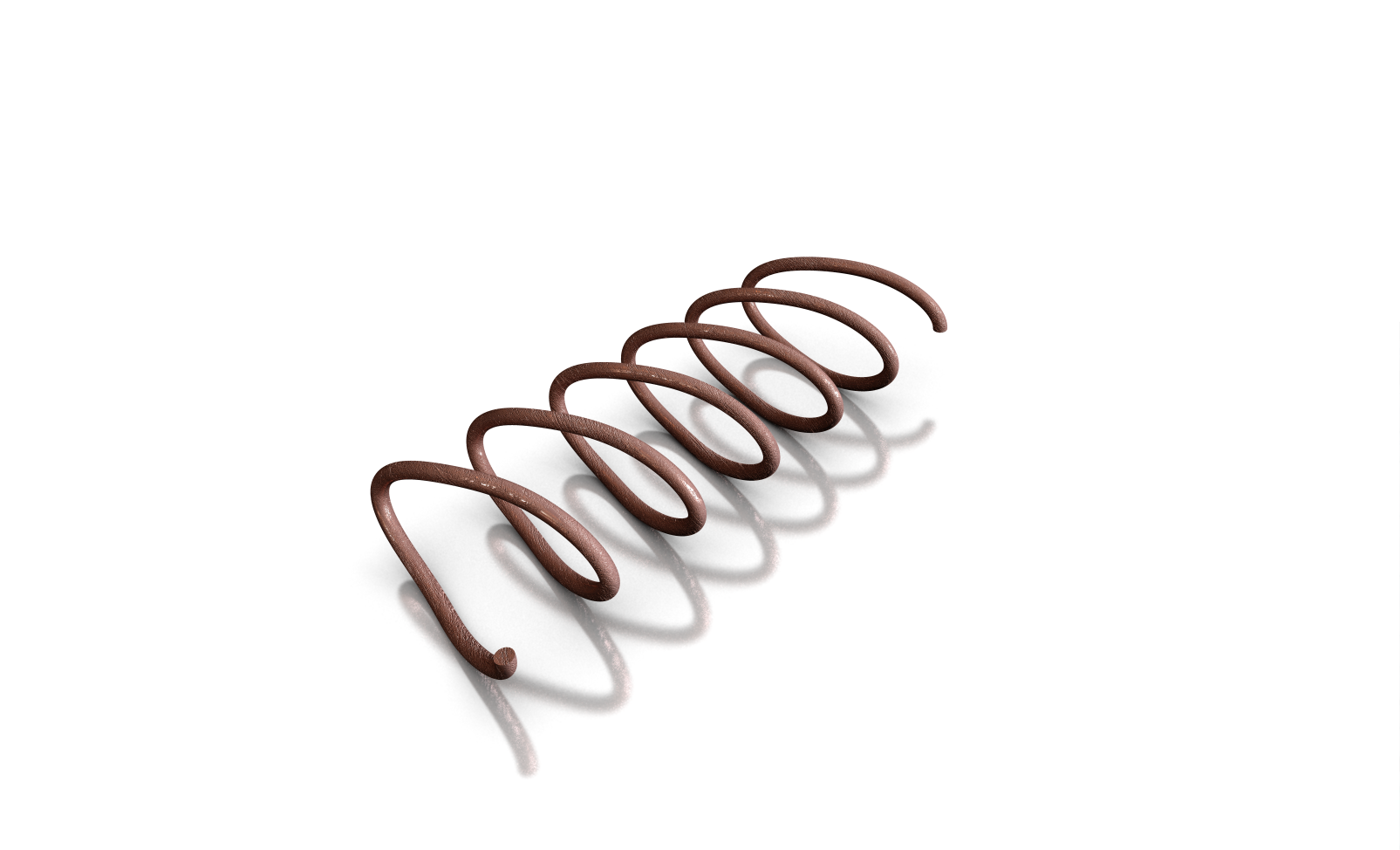
User defined springs
Use the Trajpar Parameter with a Variable Section Sweep
You need your own spring, which is defined by its own shape?
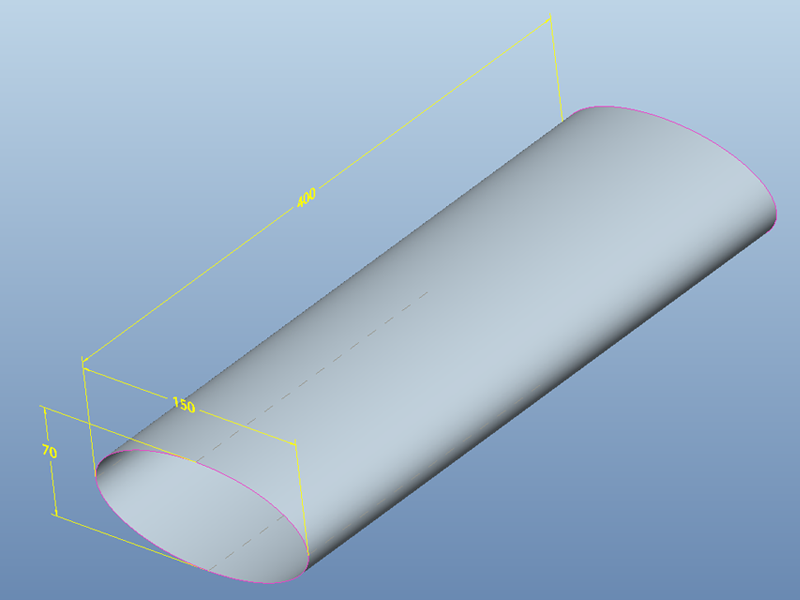
Create a new part with an extruded elliptical surface and a linear datum curve
1. Create a new part called elliptical_spring.prt. Use the default template.
2. Create an extruded surface with open ends (extrude it both sides using the dimensions shown below)
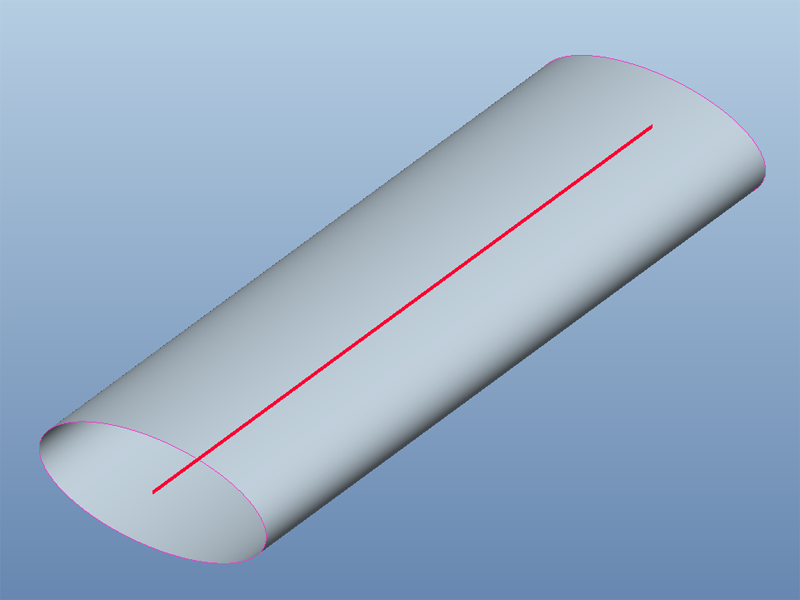
3. Create a sketched datum curve through the center of the surface. Make its length the same as the extruded surface.
Create a helical surface with a Variable Section Sweep
4. Select created curve, then Insert > Variable Section Sweep...
5. In the dashboard for Variable Section Sweep click Sketch ikon.
6. Sketch the linear section shown in the picture below. Do not exit from Sketcher.
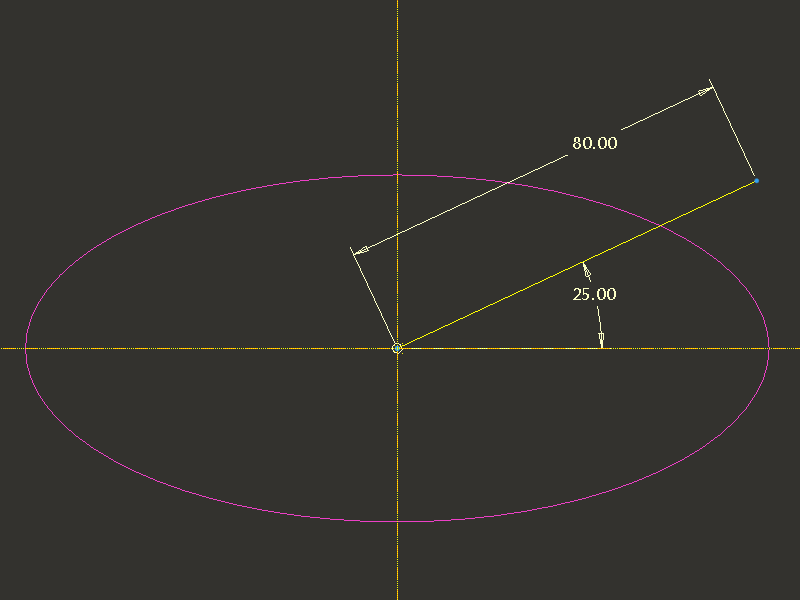
7. In Sketcher, click Tools > Relations... The Relations menu appears and the Sketcher dimensions appear in the symbolic format.
8. Create new relation: sd3=trajpar*360*6
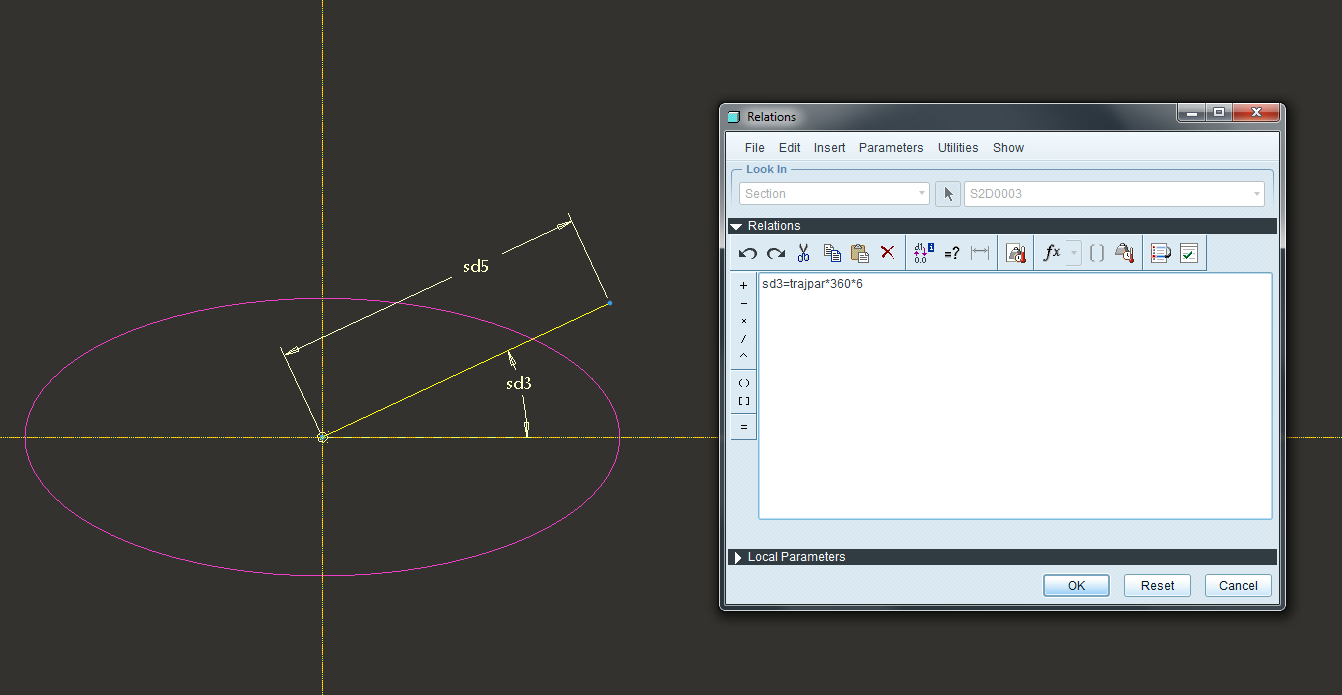
Note: where sd3 is replaced with the dimension symbol for the angular dimension on your section. This relation will cause the section to revolve around the trajectory six times through 360° as it is swept along the length of the trajectory.
9. Complete Feature.
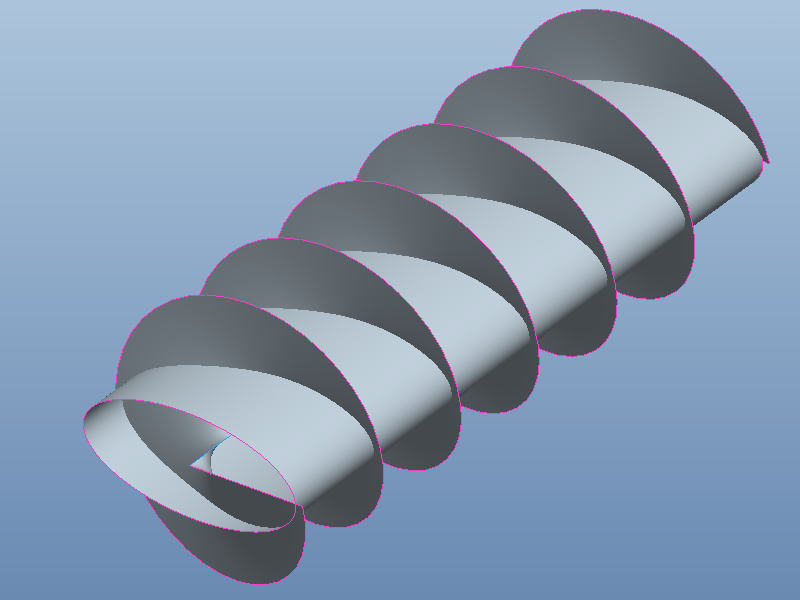
Create a datum curve at the intersection of the two surfaces and use it to create a swept surface
10. Select extrude surface and swept surface, then Edit > Intersect...
12. Hide both surfaces (extrude and swept surface) and Sketch feature

13. Create new feature: Insert > Variable Section Sweep... (Sweep as solid with Constant section). Select the datum curve created at the intersection of the surfaces as the trajectory. Sketch a circular cross section with a diameter (10).
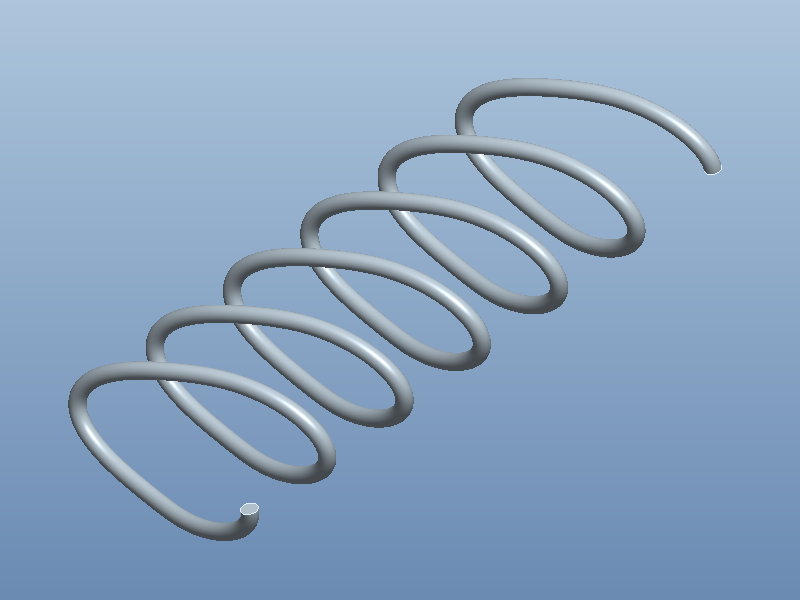
14. Save the part and erase the memory.