
Question
How do you rotate the Scene?
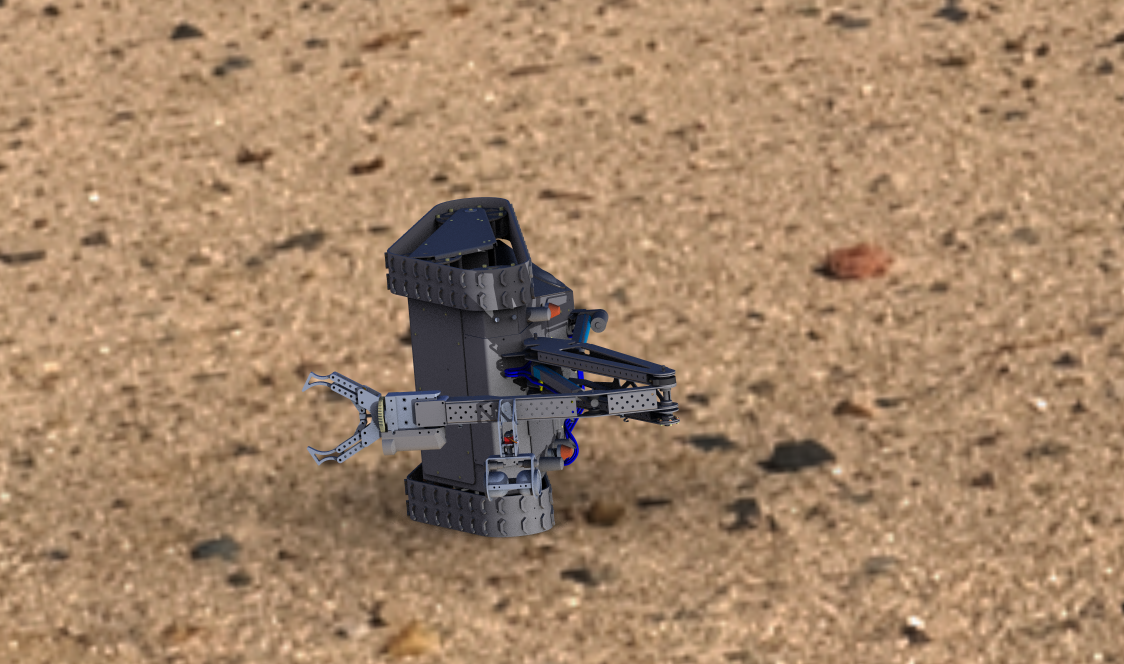
In the real time rendering in Creo 4, how do you rotate the scene image to match the model orientation? In the attached picture, the "tank" is lying on its side. How do you rotate the scene to have it the right way up? Aside from redefining the component placement in the assembly, its not clearly evident.
Thanks.