Jun 14, 2016 7:35 AM UTC
Question

Creo 4.0 flexibile sheetmetal Pull wall vs Move

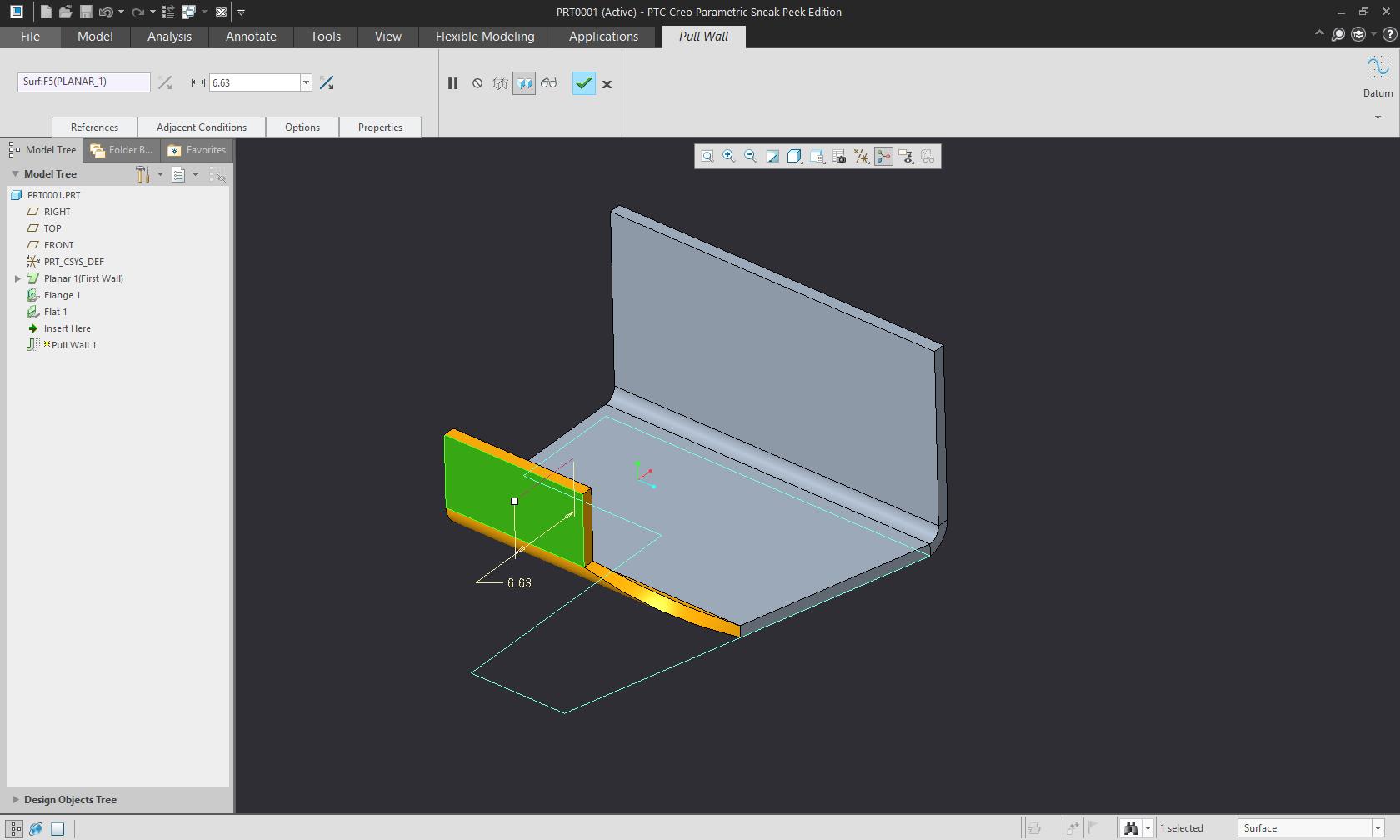
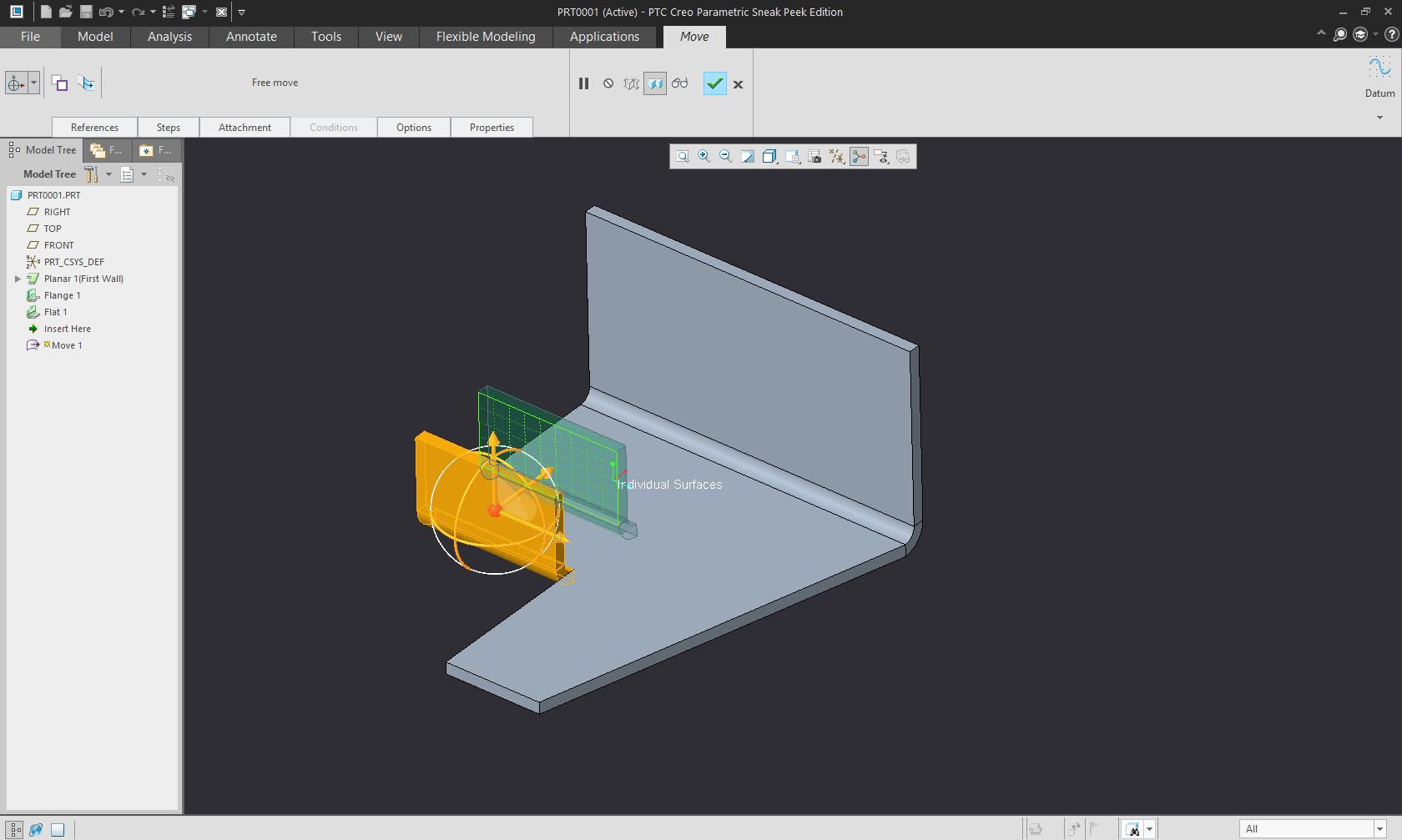
Using  flexibile modeling in sheetmetal seems very bugy. "Pull wall" most of the time wont do the job properly but then "Move" will.

Whats the difference between "Pull wall" and "Move"?
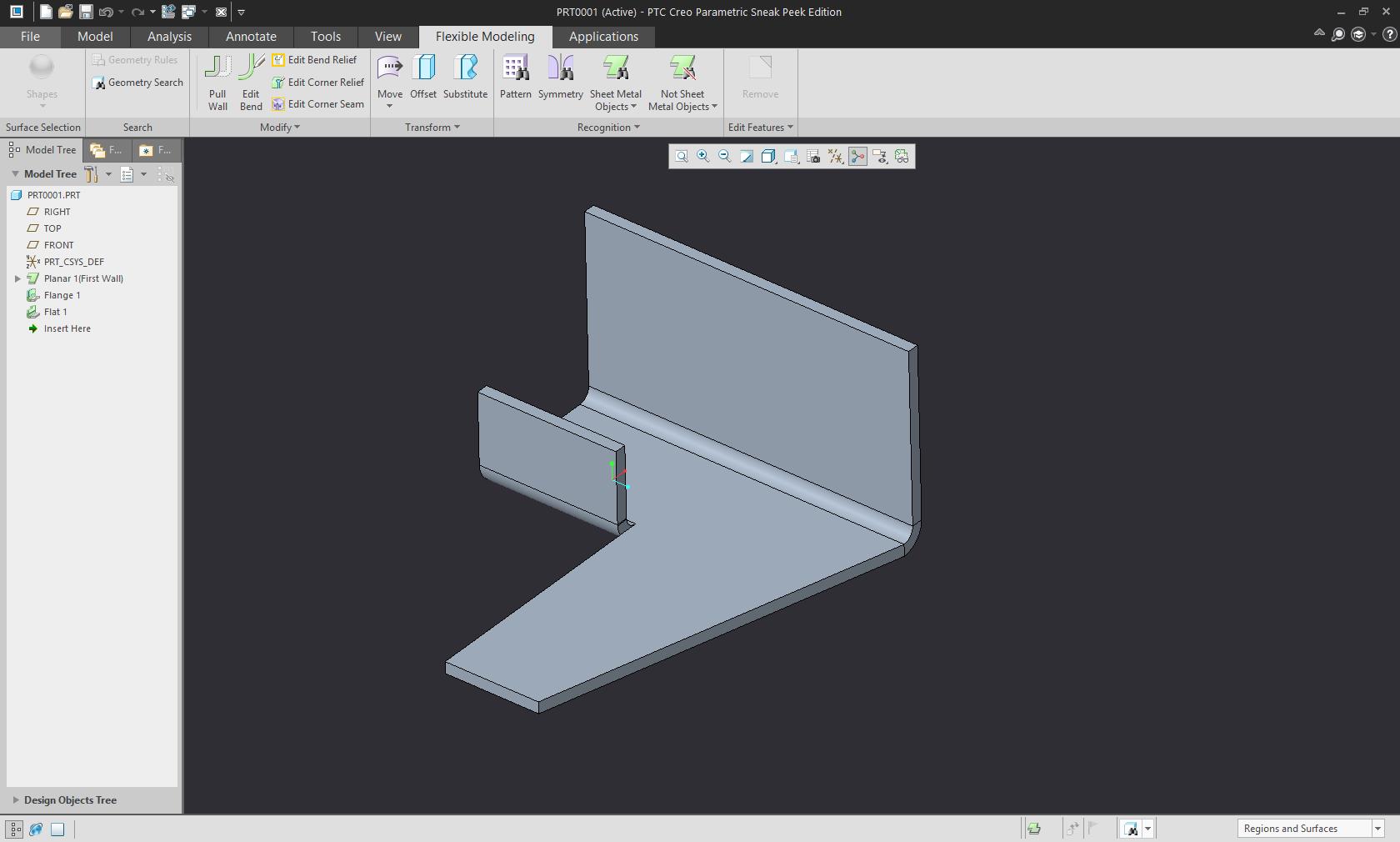
1.jpg

Pull move:

2.jpg

Move:

3.jpg

1 reply

Jun 14, 2016 4:08 PM UTC

Hi Davor

thanks for looking at Flexible Modeling in Sheet Metal.

Please have a look at the blog Creo 4.0: Start here! for Flexible Modeling (in Sheet Metal)

and related blogs and videos.

As mentioned there, we couldn't fully stabilize Pull Wall in time for the sneak peek version (but R&D already has some good enhancements for Pull Wall and Edit Bend that they are working on).

To your question: What's the difference between Move and Pull wall.

Move essentially represents the geometric Move operation as you know it from FMX in regular part mode. It transforms selected geometry and then tries to re-intersect the transformed geometry. For Sheet Metal we added some tweaks to avoid moving a driving surface without its offset (which would change the thickness of the part/wall). It also works great on side surfaces or when moving forms.

Move does not "understand" design intent like reliefs or corner seams, so that you need to be careful there.

Pull Wall instead is an operation that is purposely build for pulling a wall and its attached geometry (secondary walls etc) orthogonal to the walls attachment edge / bend line. It does actually understand adjacent geometry and will re-create reliefs and corner seams. Again, it is not fully working yet in the sneak-peek version, but I hope that the videos and explanations help to answer your question

Best regards..Martin