
Question
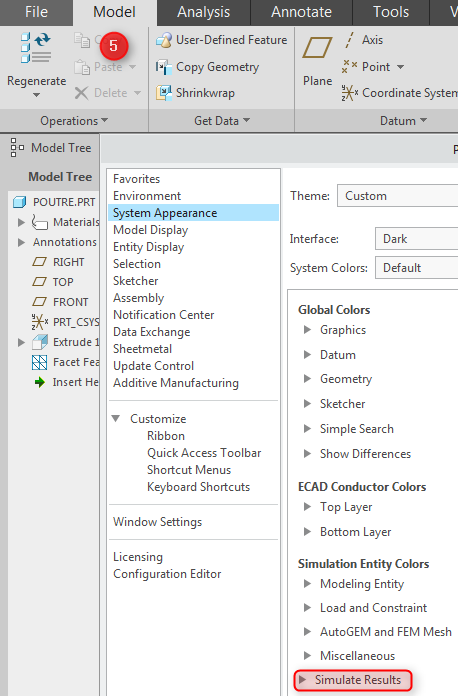
Bug with System Appearance of Simulate Results
It's a strange behavior :
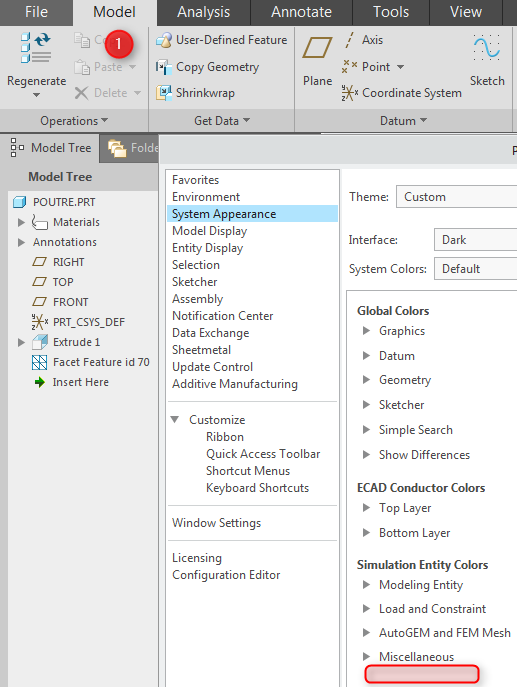
1. In Standard Mode, go to the System Appearance, the Simulate Results Colors aren't visible
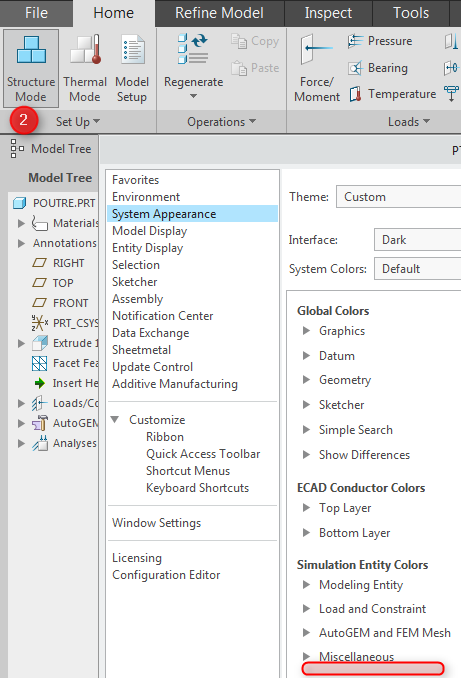
2. Go to Simulate, the Simulate Results Colors aren't always visible
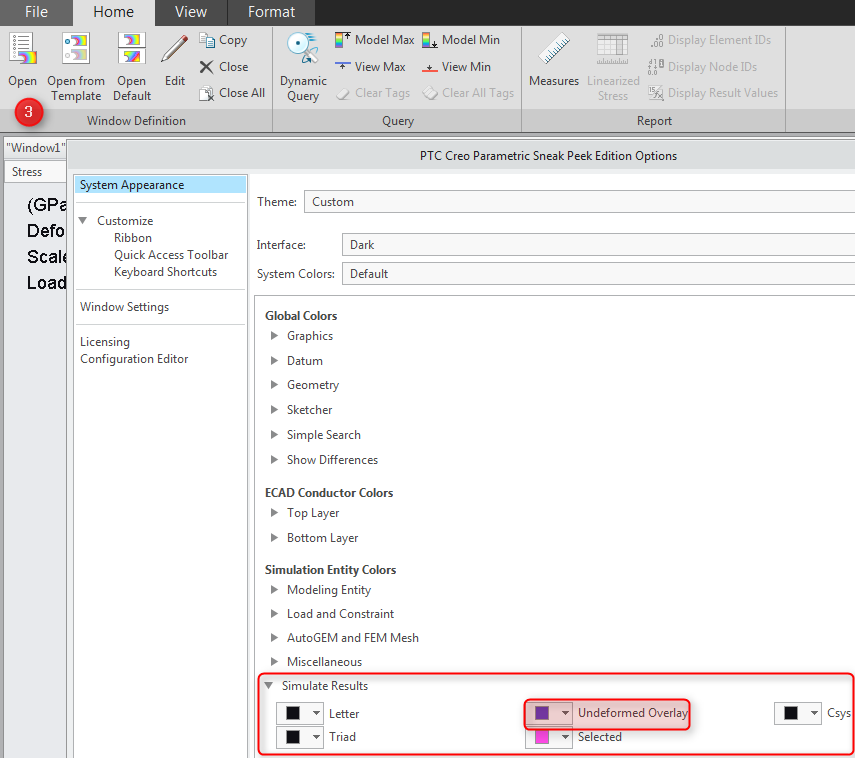
3. Go to the Results, the Simulate Results Colors are finally enable
4. Go back in Simulate, they are still enable (in memory ?)
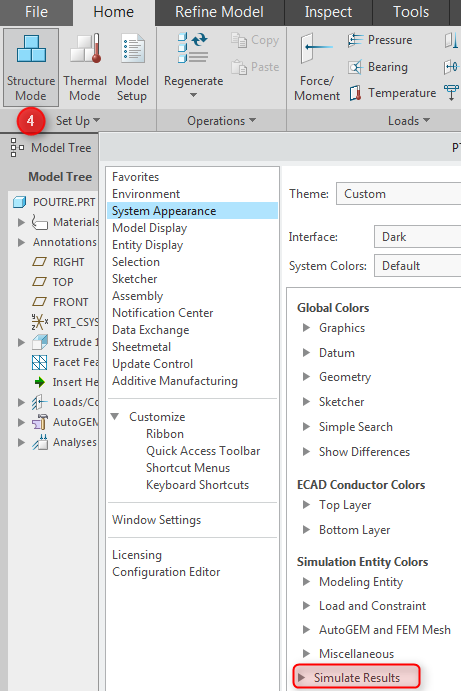
5. Go back in Standard Mode, they are still enable (in memory ?)
And please, change the Default Color Violet of Undeformed Overlay by for e.g. the Color Cyan which makes more seriously and more technical (like previous releases) 

N.B. It's the same in Creo3