
Support of Alpha Channel in Bitmap Files (GIF, PNG)
We need a Bitmap Export incl. Alpha Channel in Creo Illustrate.
Typically an Alpha Channel will be supported with GIF and PNG.
Our Customer need to have SVG incl. Shaded Image, to put the Illustration on a colored rectangle in his documentation, as you can see in example 1.
But the customer need to have what you can see in example 2!!
To do Steps:
1. Export any colored illustration as SVG, with setting: thick-thin Lines, Bezierpath, Shaded Image, 300 dpi.
Result: is an SVG with Vector Lines and a Shaded Image (PNG 300 dpi).
2. Next put the SVG file onto a colored rectangle. (open the SVG file in IsoDraw or any Adobe Product : Illustrator or InDesign).
Result: the bounding box of the included Shaded Image is displayed white.
Example 1
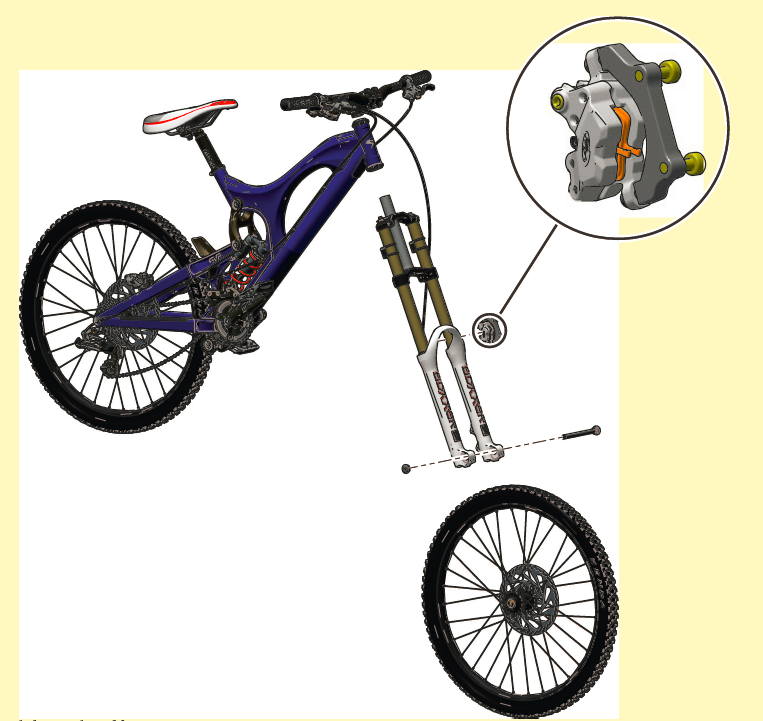
This is the result the customer need to have. The SVG File should have an Alpha Channel to get the colored Rectangle without the white bounding box.
(This is a prepared SVG file for your demonstration)
Example 2
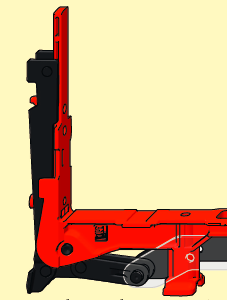
If any question, please send me an email mail@gabrielekahl.com or support@datacopy.de
best regards
Gabi