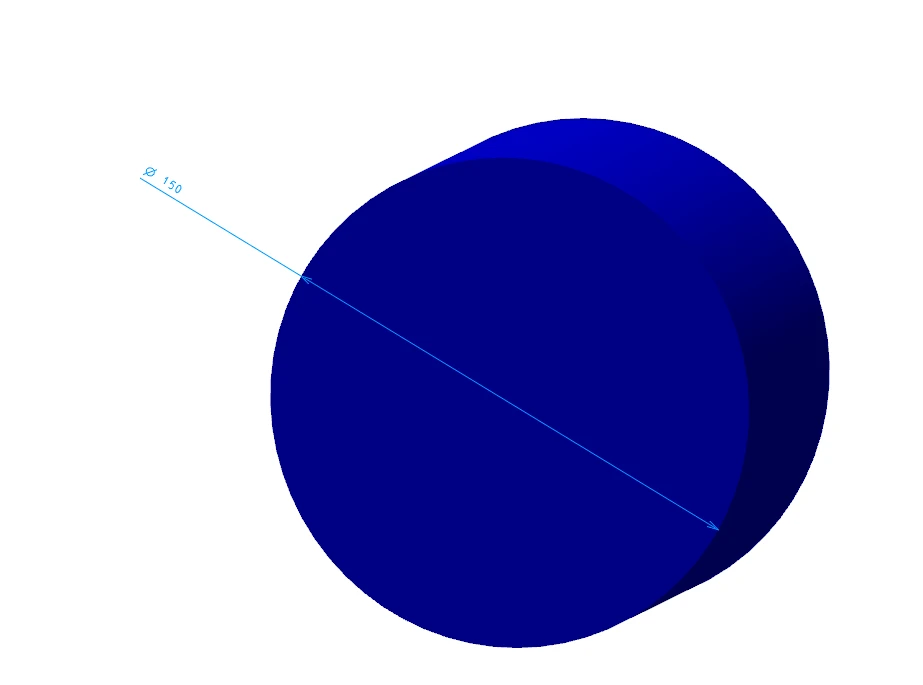
Size of annotation added in CAD
Please include detailed documentation such as screenshots, images or video.
1. What product and version are you running?
CreoView ver.11.1
2. What is the problem?
The size of the annotation inserted in CAD is displayed small.
I would like to be able to change the size on CreoView.
3. Are you using a workaround? If yes, please describe it.
Yes.
Change the size on CAD and then convert to viewer data.
4. What is the use case for your organization? Describe how your idea would work in context or how it would apply to a practical situation.
In the manufacturing department, viewer data may be referenced, and we want to be able to freely adjust the size of annotations that are difficult to see.
5. What impact does this problem currently have on your organization? (Number of users affected, hours of lost productivity, etc.)
I dont know.