
Representation Stickers
1. What product and version are you running?
Creo Parametric 9.0.8.0
Creo View Adapters 10.1
Creo View 9.0
2. What is the issue?
To illustrate decals on machine's CAD model, we follow these steps:
1. We create a part (.PRT).
2. We create a Fill.
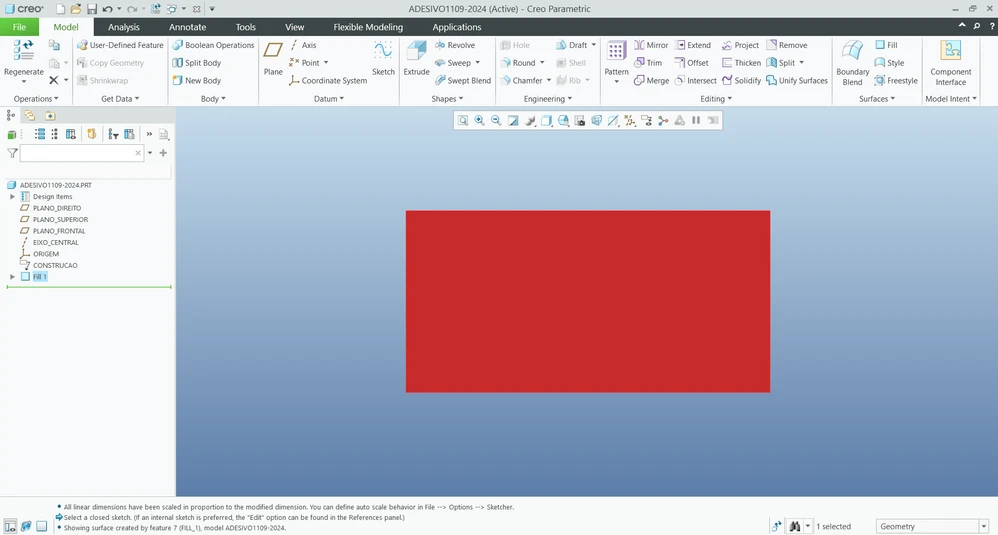
3. We create an Appearance for the decal as a Decal --> Image (PNG).
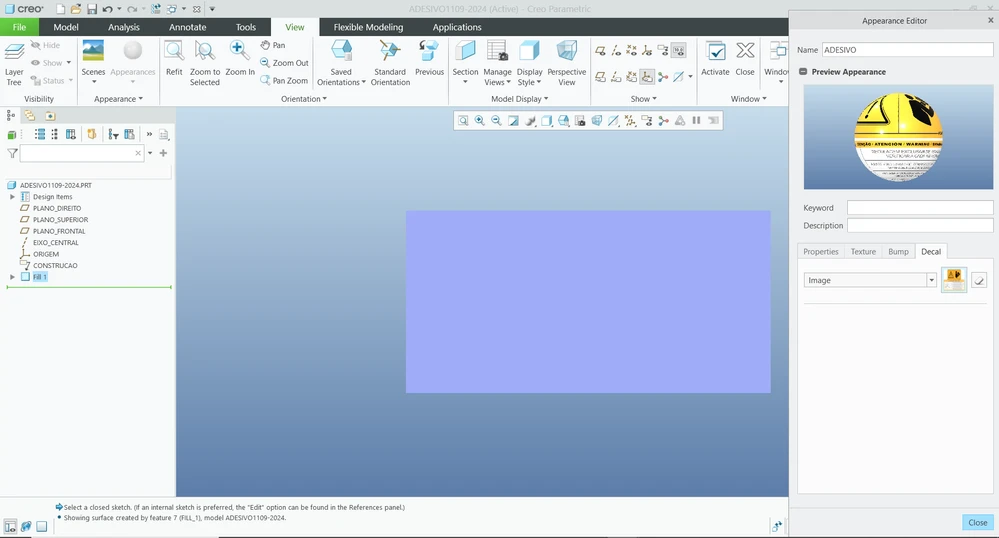
4. We apply the Appearance to the Fill.
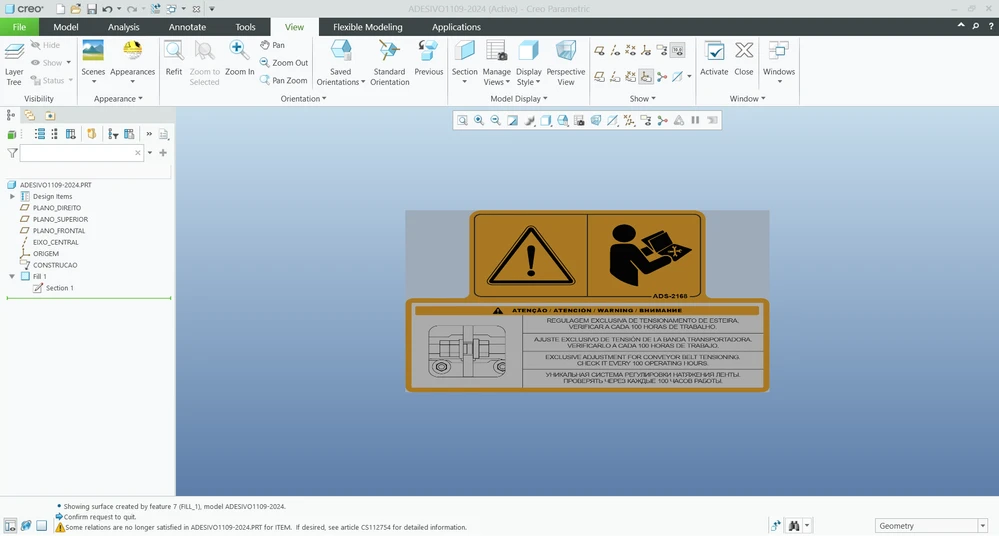
5. We apply 100% transparency so that the edges of the Fill do not appear on the decal.
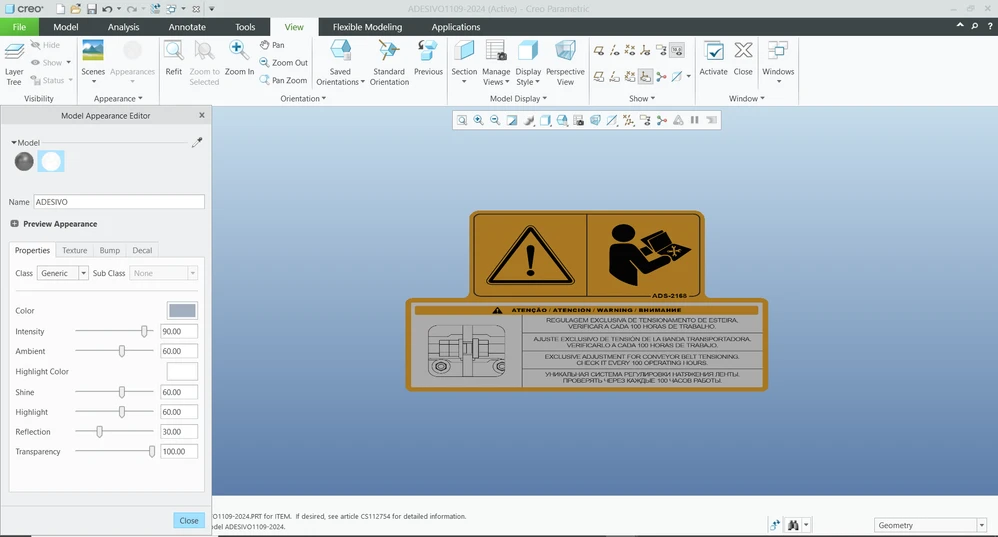
6. We check- in the part.
7. CAD Worker servers receive a request to generate a representation that can later be viewed in Creo View.
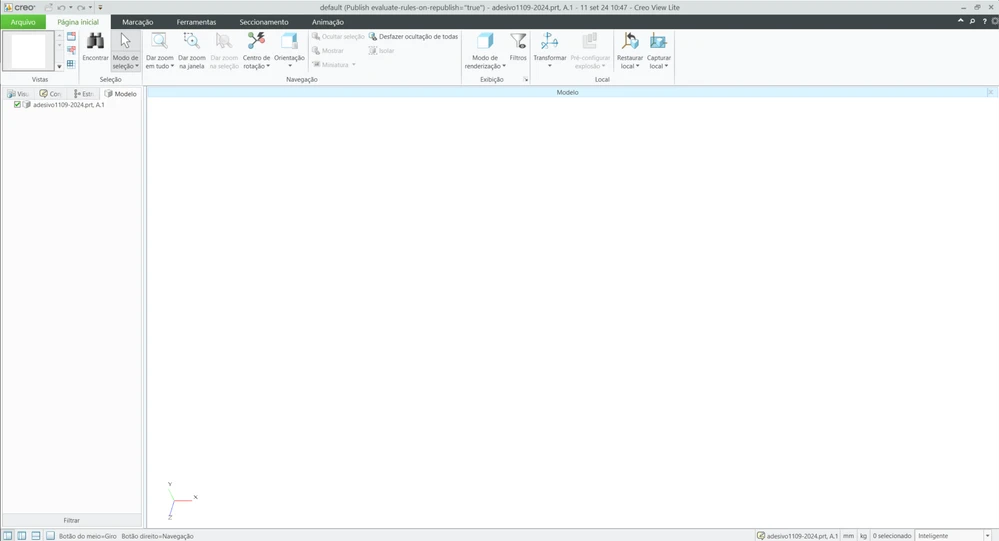
8. We realize that when 100% transparency is applied, the representation is not generated.
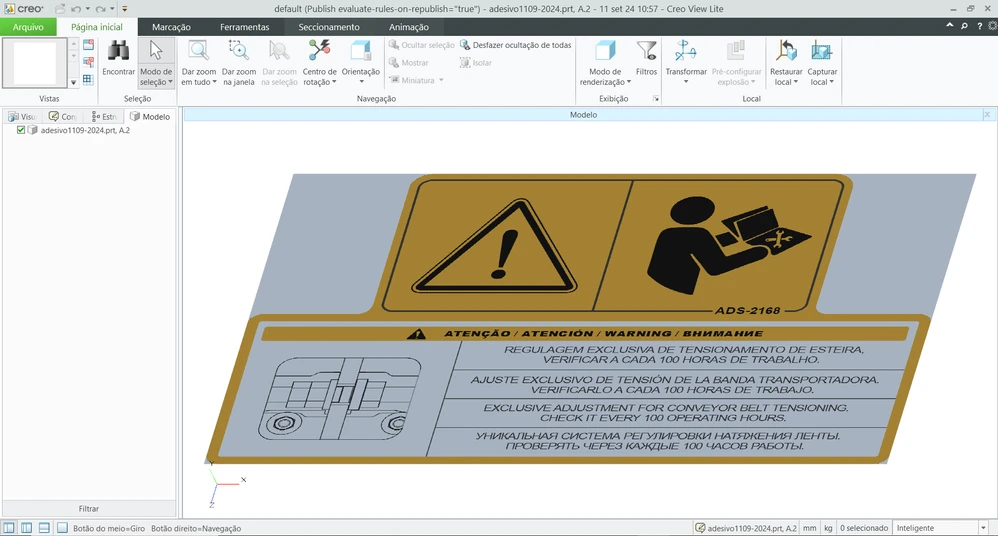
9. If we do not apply transparency, the decal is generated correctly, but the edges of the Fill are visible.
3. Are you using a workaround? If so, please describe it.
We explored the three scenarios below:
- Design the decal using transparency:
This is the current process; however, it does not generate a representation for viewing in Creo View. - Design the decal without using transparency:
This approach complicates the process somewhat since you need to design the "Base" for the decal. However, it is possible to generate a representation. - Design the decal directly on the part using the "DECAL" tool:
The application of the decal perfectly conforms to the geometry of the part, but it is not feasible because it does not appear in the parts list. It becomes much more complex to manage changes, and it is also challenging when the same decal is used in multiple assemblies.
4. What is the use case for your organization? Describe how your idea would work in context or how it would apply to a practical situation.
The idea is that even when we apply 100% transparency, it would still generate a representation that could be viewed in Creo View.
5. What is the current impact of this problem on your organization? (Number of users affected, hours of productivity lost, etc.)
- Users who do not have Creo Parametric and use Creo View cannot view the decals.
- Users who use Creo Illustrate cannot import decal illustrations from Windchill.
- Approximately 407 users are impacted.
- We have no alternative solution for these users; currently, we need to use non-PLM resources, such as work instructions in PowerPoint format.