
Filter by Attributes in Creo View
1. Describe your environment: What is your industry? What is your role in your organization? Describe your stakeholders.
Maritime Industry. My role is digital capabilities and my stake holders are engineers' that will be working with Creo View in their day to day.
2. What product and version are you currently running?
Creo View 8.0.0
3. Describe the problem you are trying to solve. Please include detailed documentation such as screenshots, images or video.
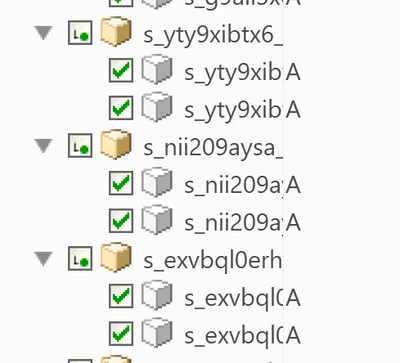
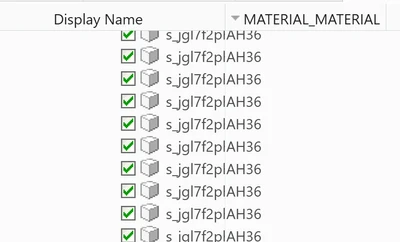
I want to filter Model parts by attributes. For instance in the screen shots, I have two different values under the attribute "MATERIAL_MATERIAL" and I would like to see only the parts with the Value "AH36". Is there a way this can be done via filters?
4. What is the use case for your organization?
This would help our engineers' filter to necessary parts, create part groups and navigate models in their day to day.
5. What business value would your suggestion represent for your organization?
This has great business value for my organization. Filtering parts by attributes would greatly reduce the amount of time our engineers' spend navigating models.