Archived
Export to DXF file from Creo View
Hello,
We have this problem in Creo View.
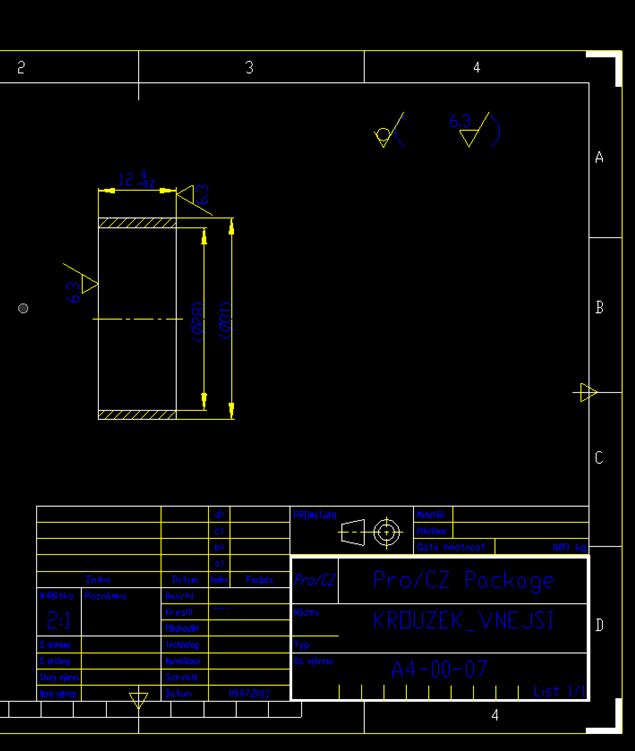
Export to DXF file from Creo View is not correct. From Creo Parametric is correct. The DXF file behaves correctly. I mean this. When I set black backgroung in Autocad so I will have lines automatically white. From Creo View does not work correctly. The DXF file is not DXF file with correctly content. I think this. Color of lines is not correctly. I can not say to our customer - You must use AutoCAD with white backgroung because our DXF has black lines only. This is mistake of export do DXF file from Creo View.
Export from Creo View to DXF file:
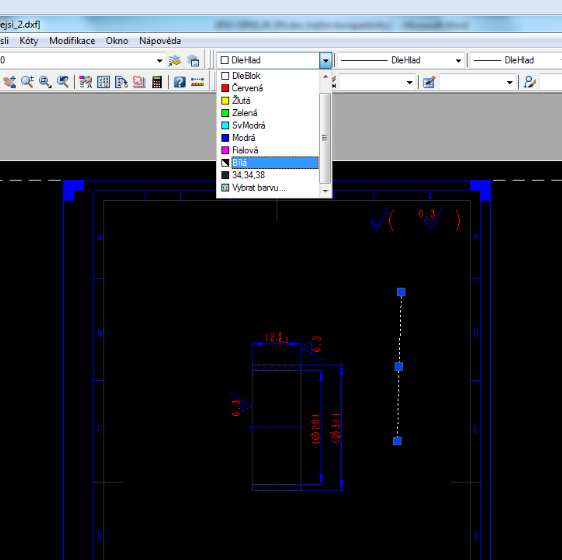
Export from Creo Parametric. (correct):