
Accurately Publish fonts in Creo View as displayed in Creo Parametric
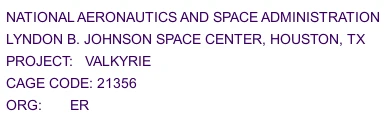
Currently: When publishing annotations from Creo Parametric to Creo View, the fonts are changed to the Creo View font. This is not a monotype font, so the careful alignment and presentation of the annotations is lost. The only workaround is to use the tessellation option in the recipe file, which results in an accurate display of the font in Creo View, but it is tiny and difficult to read.
Example:
Creo Parametric:
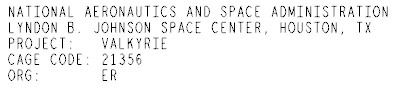
Creo View (Default):
Creo View (Tessellation):
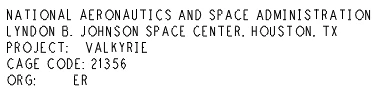
Creo View (Text as Lines):
Creo View is seen as a kind of "pdf" of Creo models, presenting them for review, presentation, and even manufacturing support in the absence of a drawing (MBD). As such we need to be able to use our company standard font, and to have it displayed correctly as set up in Creo Parametric.