
Toggle button for the 3-point / tangent arc
It would be convenient to have a toggle button which would allow you to toggle between the 3-point and tangent arc.
In most cases it is not a problem as there is only one entity that a line can be tangent to, so creating the desired type is easy.
However, in some cases, there are more than 1 entity which an arc can be tangent too, so it is not very clear which segmet Creo will use for the tangent condition by default, and that can lead to the designer taking a bit longer to complete arc.
For example, when creating a slot section you might start with a rectangle, and then create the arcs at the ends, and finally trim off the two sides of the rectangle on the inside of the slot. When creating the arcs, Creo could possibly revert to the tangent type in the undesired direction, as there are two entities which it can be tangent to, and then 3 clicks are needed to place arc.
.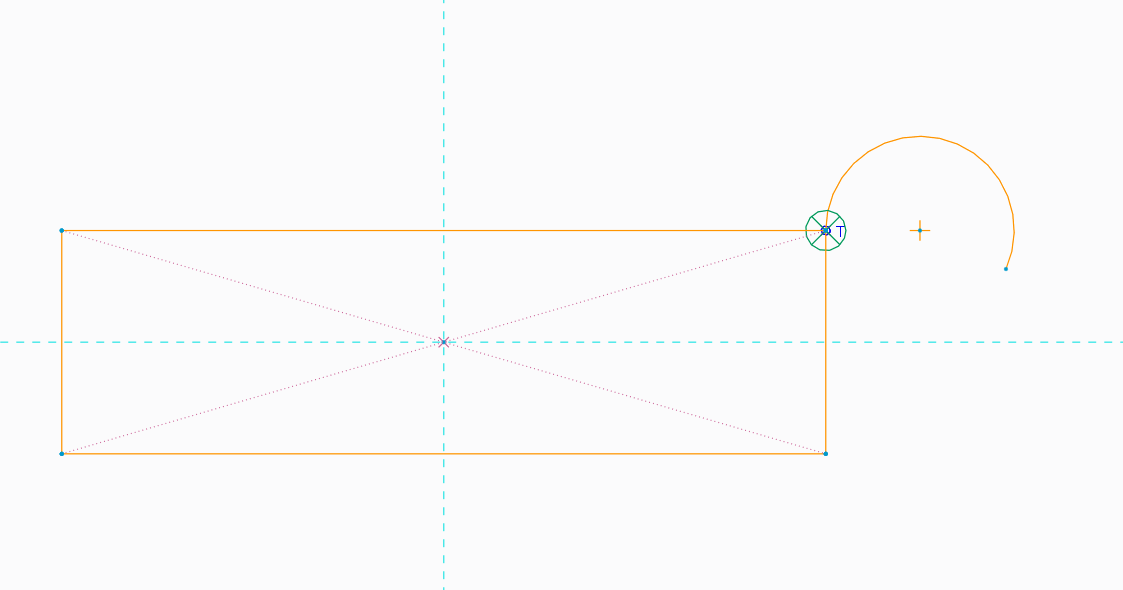
If there is a toggle button, it could be tangent to both line entities depending on which direction you move into OR you could toggle again forcing the 3-point condition in all direction if desired.