
"&todays_date" specify date format separately
Please include detailed documentation such as screenshots, images or video.
1. What version of the software are you running?
Creo 7.0.11.0
2. What is the problem?
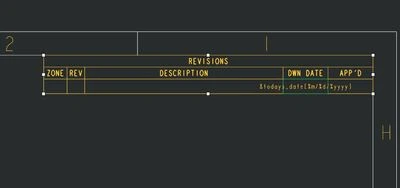
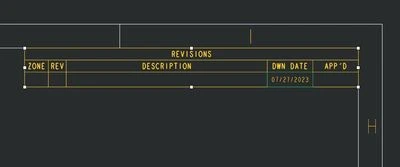
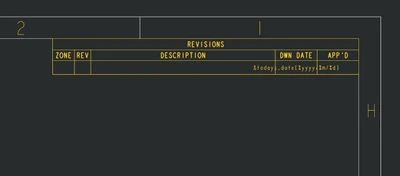
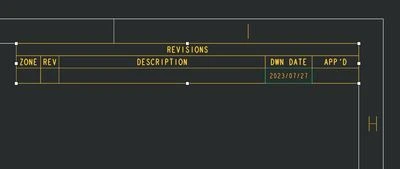
Multiple drawing templates require different date formats, currently, there is no method provided to specify the date format separately, can only through config.pro set todays_date_note_format unified control.
3. Are you using a workaround? If yes, please describe it.
None.
4. What is the use case would work in context or how it would apply to a practical situation.
The date format required in the English drawing template is "%m/%d/%yyyy", while the date format in the Chinese drawing template is "%yyyy/%m/%d", when using the "&todays_date" parameter, you can use a format similar to the "&scale[.1]" parameter by adding the "[%m/%d/%yyyy]" after "&todays_date", which specifies the date format separately.
5. What impact does this problem currently have on your organization? (Number of users affected, hours of lost productivity, etc.)
Users who wish to automatically obtain dates and have multiple date format requirements will benefit from this.