Archived
modifying style and position of part-level-annotations in assemblies without changing parts
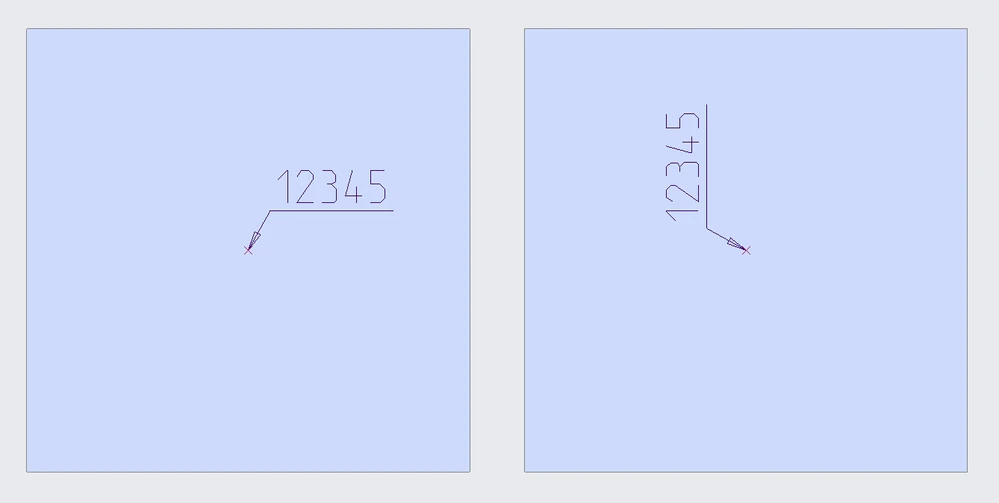
If inserting two identically parts with different orientation in an assembly it is not possible to modify the displayed part-level-annotation without changing the part.
This behaviour differs from the proceeding in drawings. In drawings it is possible to modify size, position or text style of annotations without changing the part.
The picture below shows an assembly with 2 parts, the second one is inserted rotated. 12345 is an part-level-annotation. It is not possible to change the orientation of the two displayed annotations independly.