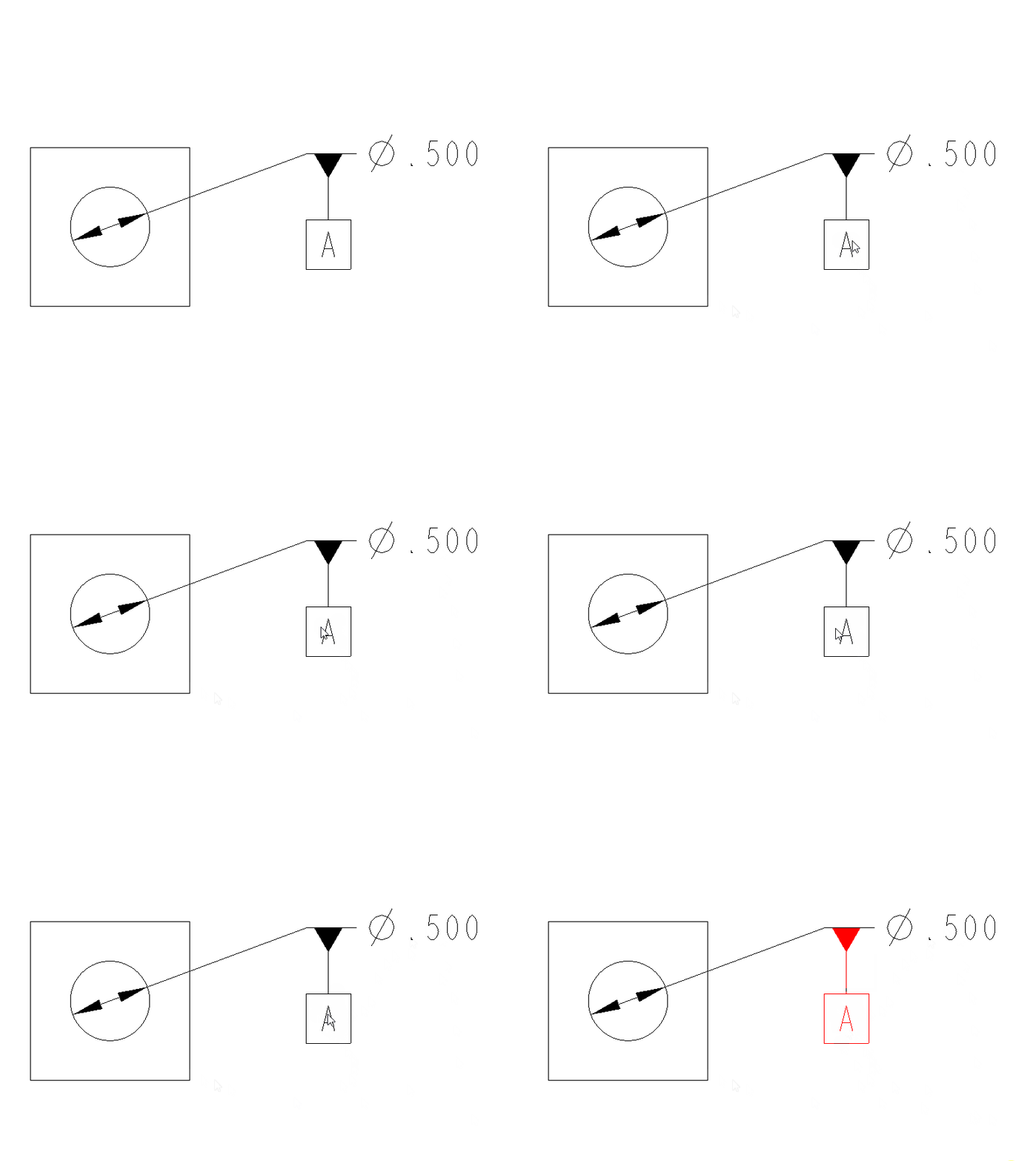
Improve Datum Feature Symbol Selection in Drawings
Currently you have to be a wizard to know precisely where in the datum feature symbol to hover your mouse to select it when in drawing mode. When you are working in the model in MBD selection is vastly improved. However when you are detailing a drawing moving your mouse to the center of the symbol does not cause the symbol to highlight for selection. This is even more frustrating when working on large assemblies where it can take a few seconds for each drawing entity to highlight for preselection. Sometimes when it highlights and then you click it doesn't actually select which makes you dream up terrible things to do to your computer.
In the GIF below each yellow dot indicates a click of the mouse attempting to select the symbol.
This idea is to make the selection of datum feature symbols in drawing mode more like how it works in MBD. Move the mouse to the center of the symbol and it highlights.