Mar 22, 2017 3:42 PM UTC
Archived

Improve Creo 3 export in dwg, Autocad must see the same things that Creo sees

Related products:Creo Parametric

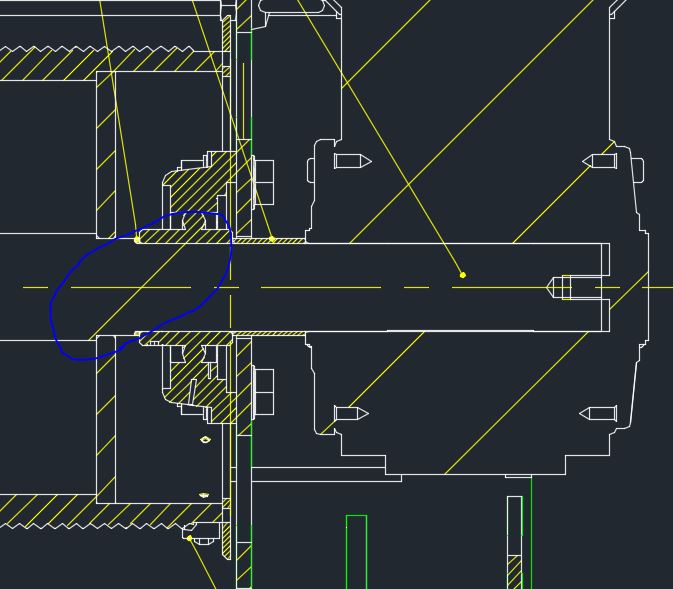
I opened a case (and SPR, Article) in the support site because I have some cases of drawings with differences if in Creo Parametric 3.0 or if exported in dwg and opened with Autocad or Creo View.

Creo parametric:
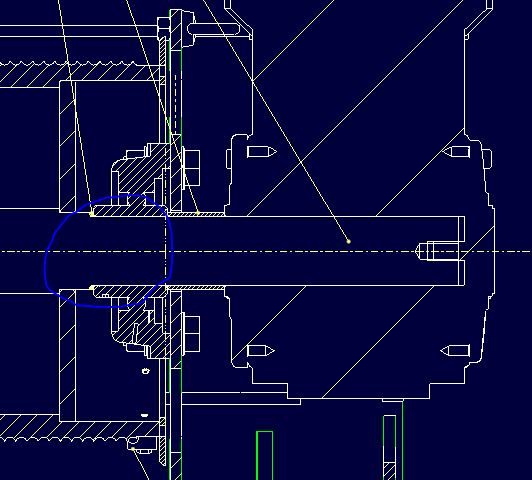
Creoo.JPG

Autocad:

autocad.JPG

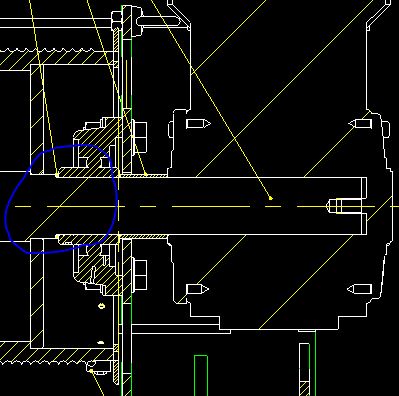
Creo view

CreoView.JPG

Ptc answered:

  • Works to product specification for Creo Parametric 3.0.
  • Creo DXF export/Import uses the AutoCAD libraries and the exported DXF file is showing line type as Centerline with Scale 1
    In AutoCAD.
    Creo view will behaves same as AutoCAD.
  • To request a change in the functionality, refer to Product Ideas @ PTC Community

3 replies

Mar 23, 2017 12:04 PM UTC

Are you using a mapping file when you export to DXF?  You can map the line styles, colors, fonts, etc.

The config.pro option is: "ntf2d_out_dxf_mapping_file <full path to file>"

Another option to consider is "intf2d_out_enhanced_ents spline_and_hatch".  It looks like an extra hatching line in the DXF and CV files.

Regards,

Dan N.

ngiacomAuthor
Mar 23, 2017 12:41 PM UTC

Hello Daniel,

I just have ntf2d_out_dxf_mapping_file but we didn't find a map to solve the issue.

I tested now intf2d_out_enhanced_ents spline_and_hatch but the line is still there.

Thank you for your suggestions

olivierlp
Community Manager
Jan 4, 2022 3:04 PM UTC
Status changed to: Archived

Hello,

We are archiving your idea as part of a general review. This action is based on the age of your idea and the total number of votes received, as per this announcement.

You can always post a new idea with all the details required in the form.

Thank you for your participation.

Olivier