
Archived
Highlight Item in Model Tree even when the Top Level Assembly is not Active
Hello,
When I want to investigate a specific part in an assembly model, I select the part, then click on the 'ONE' icon.
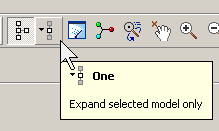
The selected part is then highlighted in the model tree. Even if the sub-assembly in which the part is located had been minimised, the 'ONE' icon expands it so the selected part is visible.
That all works, unless I activate the sub-assembly first. Then, the 'ONE' icon apparently does absolutely nothing.
This idea is to make the 'ONE' icon work regardless of what is already selected in the Model Tree.
Shoot me down if this already happens in Creo x, but it works (doesn't work?) the way I described in WF4, M220.
John