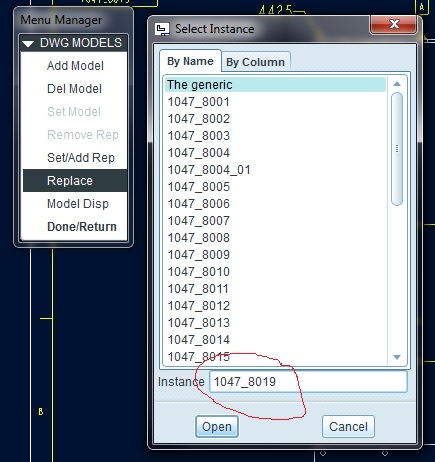
Have the "model name" replace "the generic" in the instance field
When replacing a model in a drawing, the pop up box does not comes up with the existing model in the box, but with the words the generic. This should be replace with the actual model name you are replacing instead of "the generic". This would allow double clicking on the box to high-light the whole cell.
An alternative would be to put and underscore between "the" and "generic" so that it would read "the_generic". Again so that by double clicking on the cell the whole cell would be highlighted and not just one word or the other. Which mean that you then have to drag the cell to type in the value.
This is how it currently shows up.
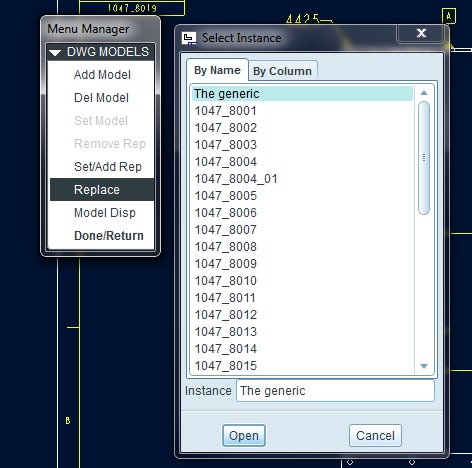
This is how it currently looks when you double click on the right hand portion of the cell.
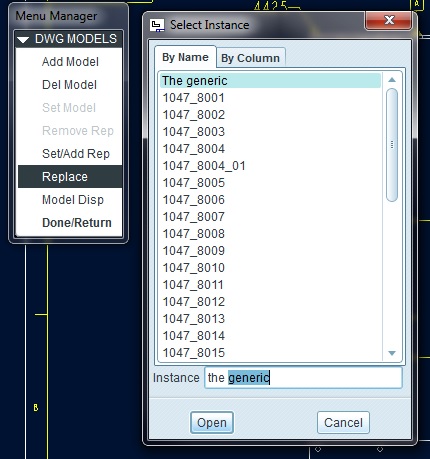
This is how I am proposing that it show up.