Formatting of table saved as excel file
1. Describe the Problem
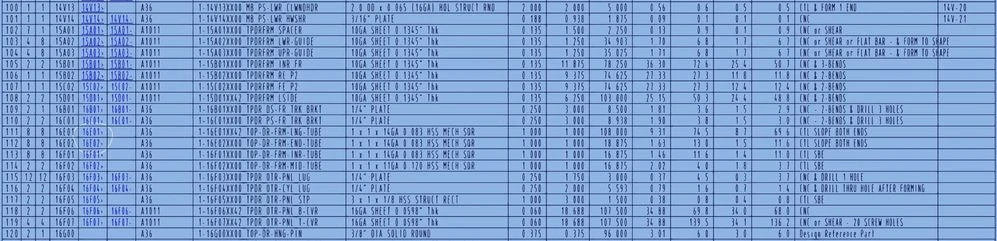
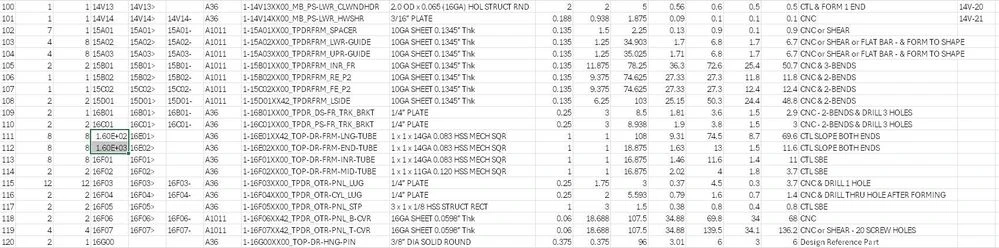
While detail drawings provide a way to save a table as an excel table, the formatting of the "save as" file is not sufficient to assure the excel table cells are accurate. If the detail drawing table has cells that contain a number, the letter "E", and more numbers - excel formats the cell as "scientific" or an exponential number rather than as 'general' or 'text'. An exported excel file should have sufficient formatting information to provide accurate data representation in the file opened in excel.
2. Are you using a workaround?
Manually check every cell entry in the opened excel file. Re-formatting the excel cell as 'text' or 'general', looses the original content, so each incorrect cell must have the correct data re-entered.
3. What is the use case for your organization?
Easier and more intuitive use of drawing table data, without having to extensively check for and re-enter inaccurate file data.
4. What impact does this problem currently have on your organization?
Increased project time & increased opportunity for corrupted data.