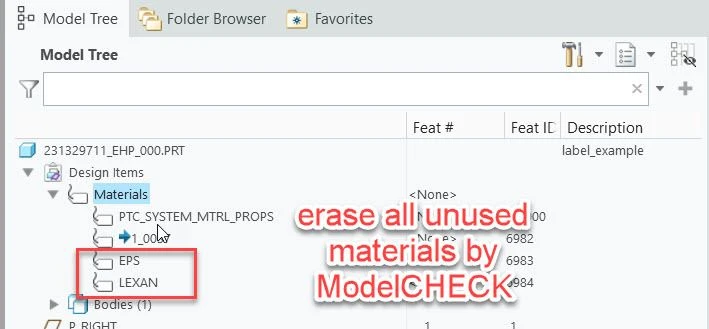
Erase unused materials with ModelCHECK
1. Describe the Problem
With ModelCHECK it is possible to assign a material if no material is assigned to the part.
If more than one material is available in the part, ModelCHECK will skip the test because everything is OK.
For testing reasons (FEM simulation), it is sometimes normal for more than one material to be available in the part. However, if you want to release the part for production, only one material should be set “as master” and the others should be deleted. It should be possible for ModelCHECK to be able to delete all unassigned materials with a setting.
2. Are you using a workaround?
There is no workaround
3. What is the use case for your organization?
increase data quality and avoid errors
4. What impact does this problem currently have on your organization?
The impact is not that big