
Archived
Enable Tolerance display in Symbolic display mode (when @d replaced with@s)
When showing a dimensions symbol using @S there is currently no way of showing the dimensional tolerance on the drawing,
other than manually entering the tolerances as follows; @S@++0.001 @#@--0.001@# which looses the associative link between
the tolerances displayed in the dimension and the tolerances themselves.
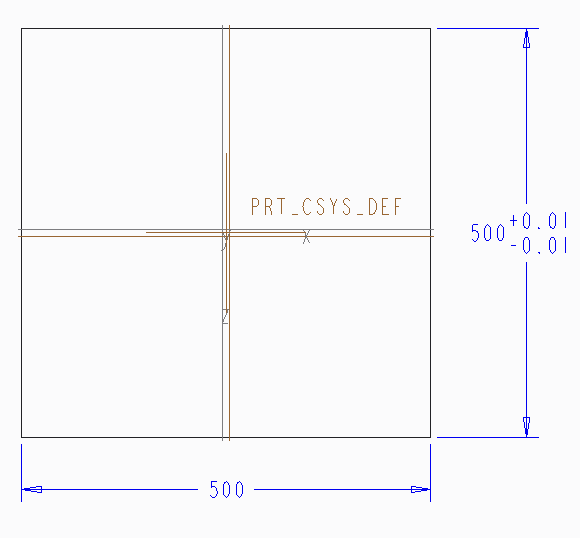
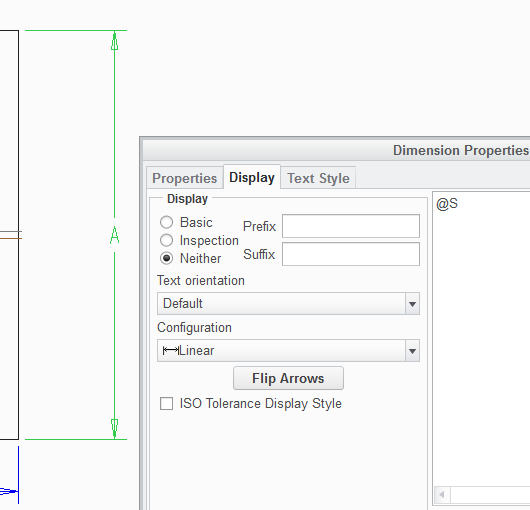
There should be a radial button within the dimension display box that allows you to toggle on symbolic display (rather
than having to enter @S) and Tolerance display should work exactly the same as it does for normal dimensions.