Archived
Embedded Creo Mozilla based browser: use standalone Firefox browser (like IE) or provide latest Mozilla updates for secure and fast browsing
Current situation
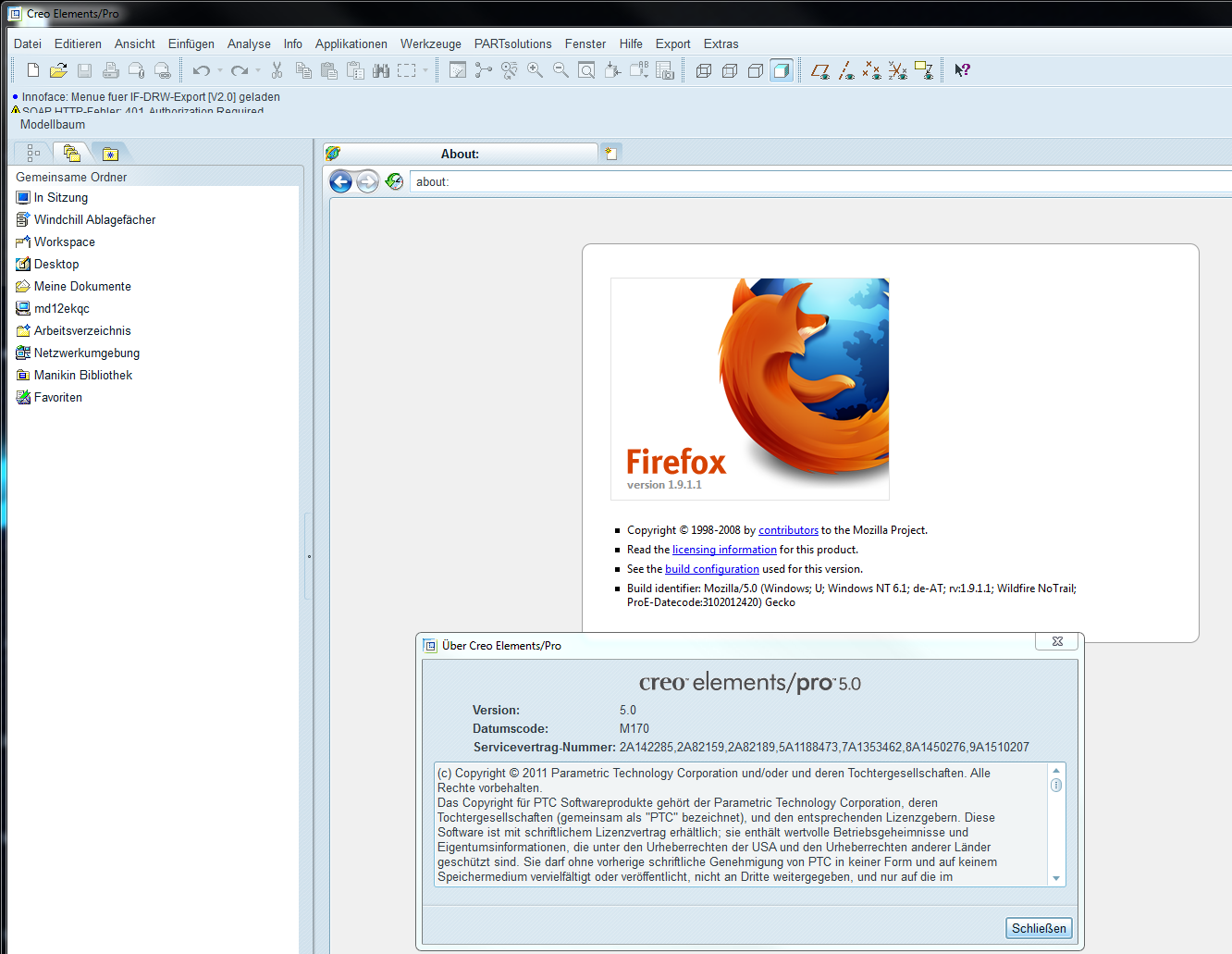
- The Mozilla based browser is installed along with the respective datecodes of Pro/ENGINEER and Creo.
- It is independent of the Mozilla Firefox installation on the client
- The used Mozilla code is very old, that means:
- Unsecure for browsing the Internet
- Does not contain latest technology including performance improvements. Below you find some test results I got with IE10 and the embedded Mozilla browser with about 14000 objects in the workspace (remark: IE10 is currently unsupported with Creo Elements/Pro 5.0 M200 and Windchill 10.2):
Test step short description Time 10.2 F000
IE10 / sTime 10.2 F000
Mozilla embedded / sDifference 10.2 F000
Mozilla embedded /IE10(1) Search for assembly 2 2 0% (2) Add to Workspace: time until "Download succeeded" 563 1262 124% (3) Workspace Refresh 14 24 71% (4) Open dialog: Save As 3 6 100% (5) Save As: collect required dependents 106 not finished after 15min not finished after 15min (6) Save As: cancel dialog and workspace refresh 3 1 -67% (7) Save As: process for one assembly 45 51 13% (8) Syncronize and Workspace refresh 35 46 31% (9) Open dialog: Remove from Workspace 65 not finished after 10min not finished after 10min (10) Remove from Workspace is processed 206 not possible as it depends on the previous step not possible as it depends on the previous step
- For secure embedded browsing user needs to use the Internet Explorer instead
What should be done
Solution (A)
Use the Standalone installed Firefox version on the machine for embedded browser. This is regularly updated by Mozilla and updates run by the user and contains all necessary security fixes and other improvements
Solution (B) - if (A) is not be technically feasible
Provide latest Mozilla updates for embedded browser of all Creo Releases and datecodes that are maintained. The updates should be possible to execute separately to a datecode or release update. This ensures that a datecode update is not forced by a security issue in the embedded Mozilla browser.
See also
- PTC Document - CS19452 "Mozilla based Browser versions used with Creo Elements/Pro and Creo Parametric":
https://www.ptc.com/appserver/cs/view/case_solution.jsp?n=CS19452&lang=en - Improvement details: Mozilla and Creo Elements/Pro:
http://www.ptc.com/appserver/wcms/relnotes/note.jsp?&icg_dbkey=826&im_dbkey=84076
"In some cases, the Mozilla-based browser engine performs better, particularly when running embedded Windchill applications." - Discussion: http://communities.ptc.com/message/193032#193032
"I'm experiencing some "challenges" with the FIRST Windchill 10.1 server lately. I'm getting a bit concerned since kickoff is barely more than a month away. Is anybody else experiencing extremely slow refresh rates, slow downloads and incomplete searches?"
.. "by client side install firefox 17.0 or 17.01 and will run like a flash!"
.. "Great tip! There is definitely a performance improvement!"
Creo 2
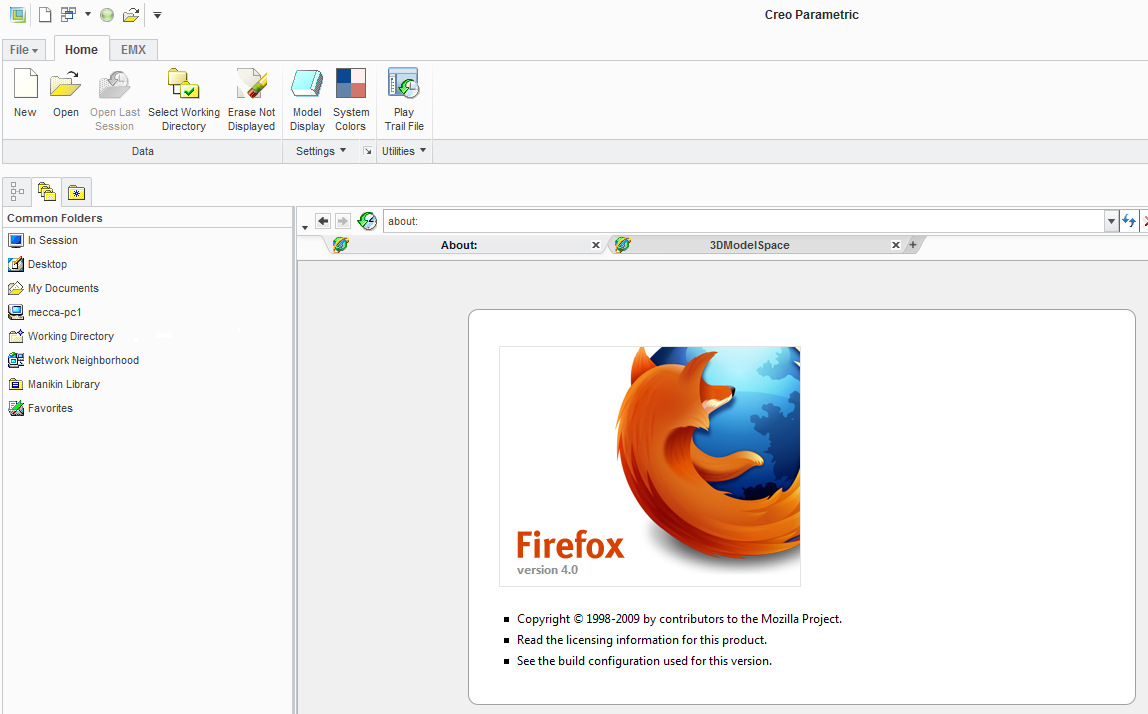
Creo Elements/Pro 5.0 M170