
Archived
Drawing mode, create a function to match the view dispaly properties of another view.
I would like a RMB option from a selected view (or multiple selected views) to match the view display properties of a different view. Once the function has been selected , you would be prompted to select the view which has the desired view display properties. This will change all the available options on the View Display pane.
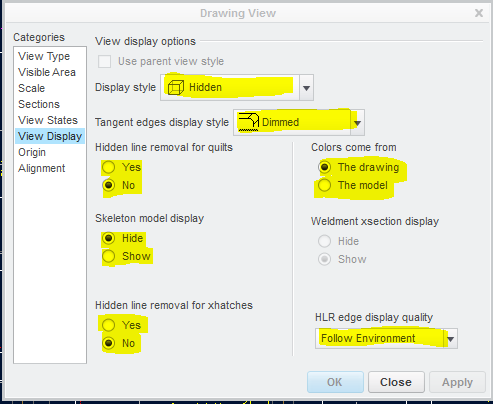
Reason for request is to reduce time & mouse clicks to change view display properties. We have many drawings that people have created with view display properties set as "Follow Environment" & "Default". I believe this is bad practice , because a drawing will display different depending on how each user has their environment set-up.