
detail view note style
1. Describe the Problem
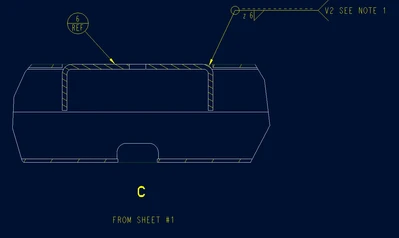
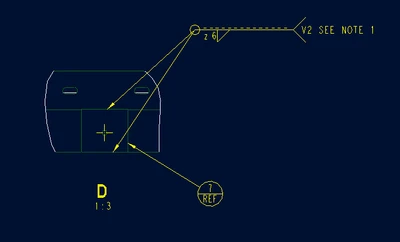
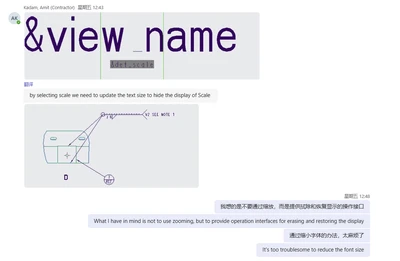
The view name and scale of the detailed drawing can only be erased and restored simultaneously, and the scale value cannot independently control the display status.
The display style of the detailed view can only be controlled through the fixed options in the dtl and cannot add user-defined display styles.
2. Are you using a workaround?
Currently, it is achieved by adjusting the text size of the scale value, but this can only be a temporary solution. I think it is necessary to make the view name and the scale value into two independent bound objects. Users can operate them separately with the mouse to show or hide them to achieve this, or add more functions to the view name wipe function of the view name to achieve this.
3. What is the use case for your organization?
Here are my two suggestions for enhancing the detailed view: 1. A detail option is required to control how scale values are shown or hidden independently in detail view. 2. Custom value styles need to be added to the detailed option view_note as the standard for a specific company.
4. What impact does this problem currently have on your organization?
Improve work efficiency and facilitate the standardized and automated management of drawings.
Status changed to: Archived
Hello,
We are archiving your idea as part of a general review. This action is based on the age of your idea and the total number of votes received, as per this announcement.
You can always post a new idea with all the details required in the form.
Thank you for your participation.