
Archived
de-activate the cyan highlighting when using Position with transform owner
I do appriciate the new functionality 'Transform Owner' in Modeling 19.0 with the position command that selects the entire assembly when all of its parts are selected, but i think it is anoying that all edges are displayed in cyan, i would like to de-activate it.
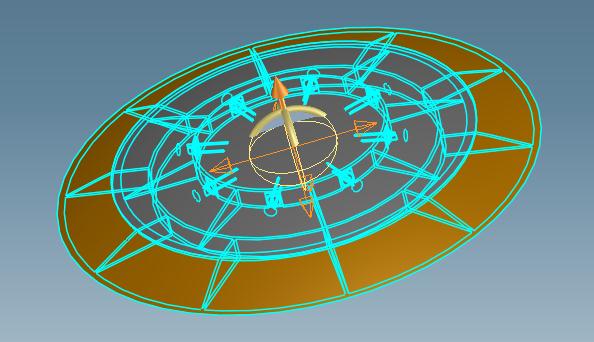
currently there is only the setting to change the color of the highlighting not to deactivate it. this should be added to the settings.