Archived
Creo Simulate Transparent Mesh Option (AutoGEM Preview)
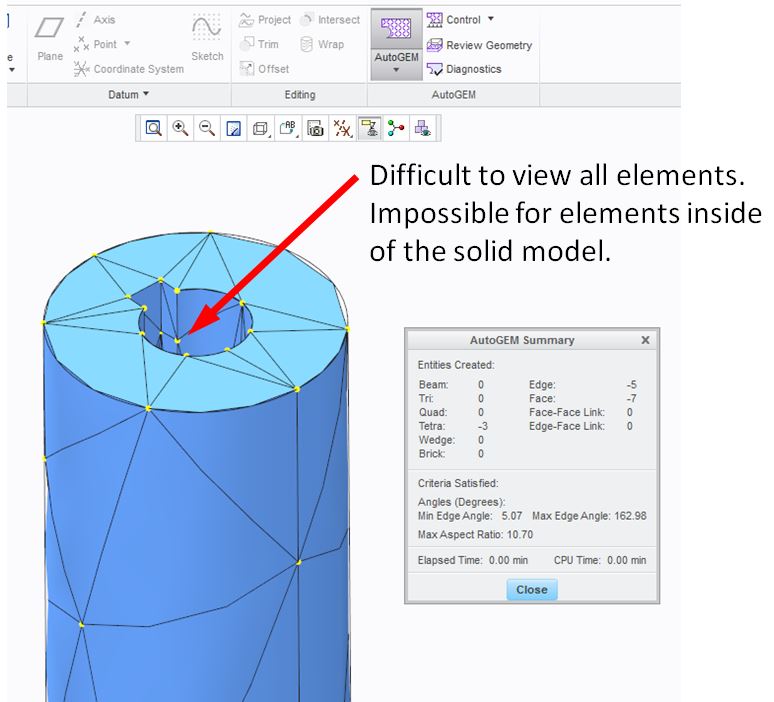
When previewing a mesh in AutoGEM we should be able to preview it as transparent so we can see internal nodes and edges of the mesh. Perhaps the created mesh could follow the display state of the model. I'm aware that we can turn off the viewing of solids in AutoGEM settings so the nodes can be previewed, but it is difficult to imagine where the element boundaries (edges) are and to verify intent with AutoGEM controls without running an entire analysis.