
Delivered
Create Planar X_sections without "0" dimensions
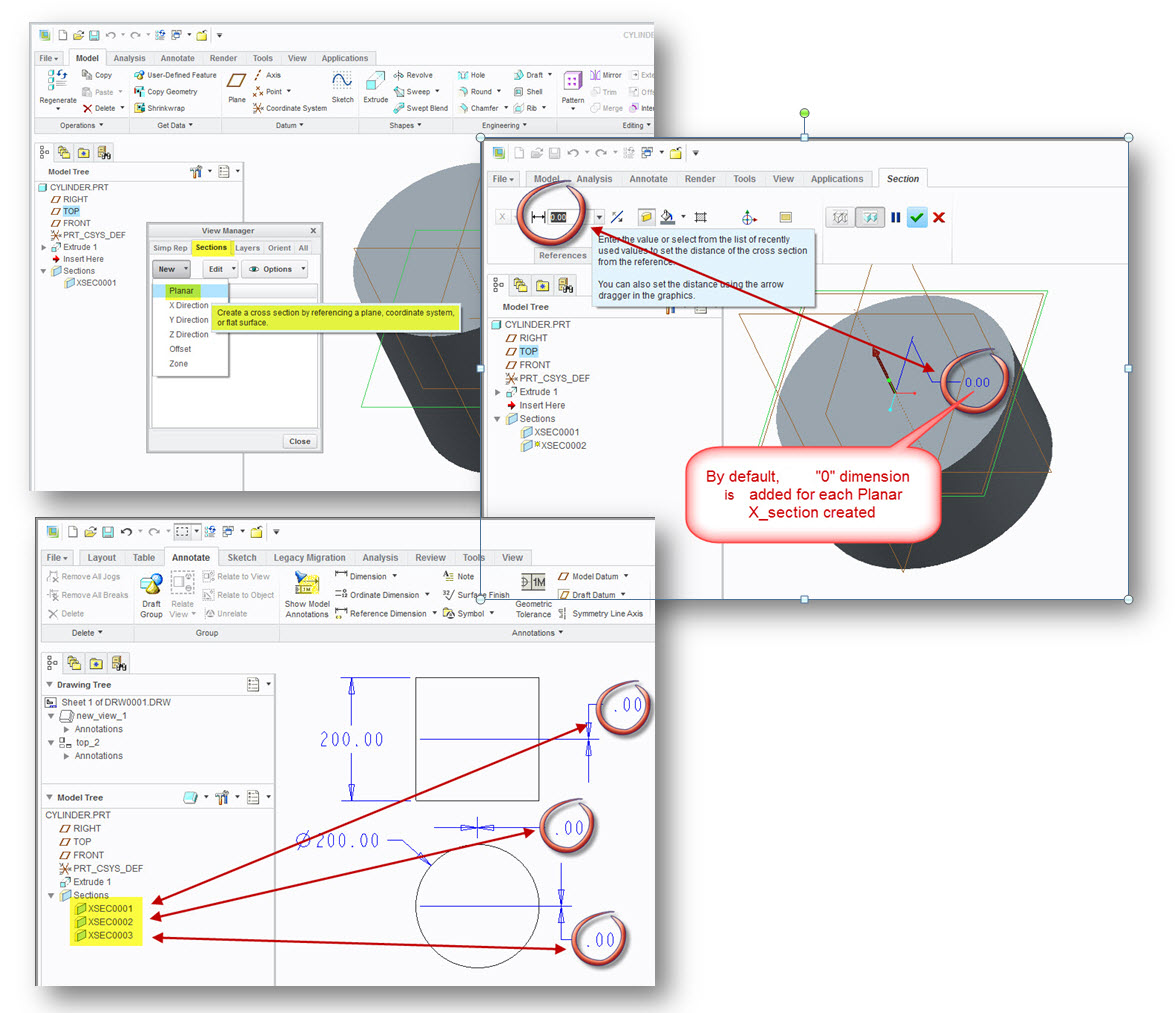
Planar Sections created with Creo Parametric 2.0 generate "0" dimensions after datum plane selection.
As a consequence, "Show Annotations" action in Drawing Views displays lots of unwished "0" which renders more difficult the choice of dimensions to keep.
Please add “Through” by default in dimensioning box (and “Offset” if you need to add dimension)
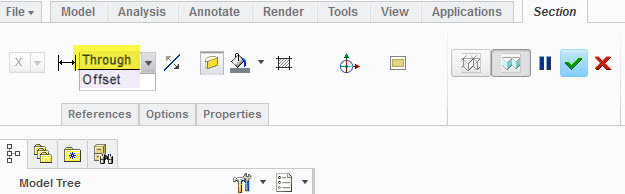
- No “0” dimensions by default when datum plane is selected
- If dimensioning is necessary, create an offset plane.