
May 27, 2015 9:09 AM UTC
Delivered

Config.pro option to NOT display the "Resource center" when launching Creo3

Related products:Creo Parametric

Please add a config.pro option to be able to hide the "Resource center" when launching Creo3.

Even if you have a check box to "not show window again", the resource center will reaper when cleaning WS cache.

We would like to choose to not show this information in our company without having to copy creo_parametric_customization.ui in cache at each Creo3 launch.
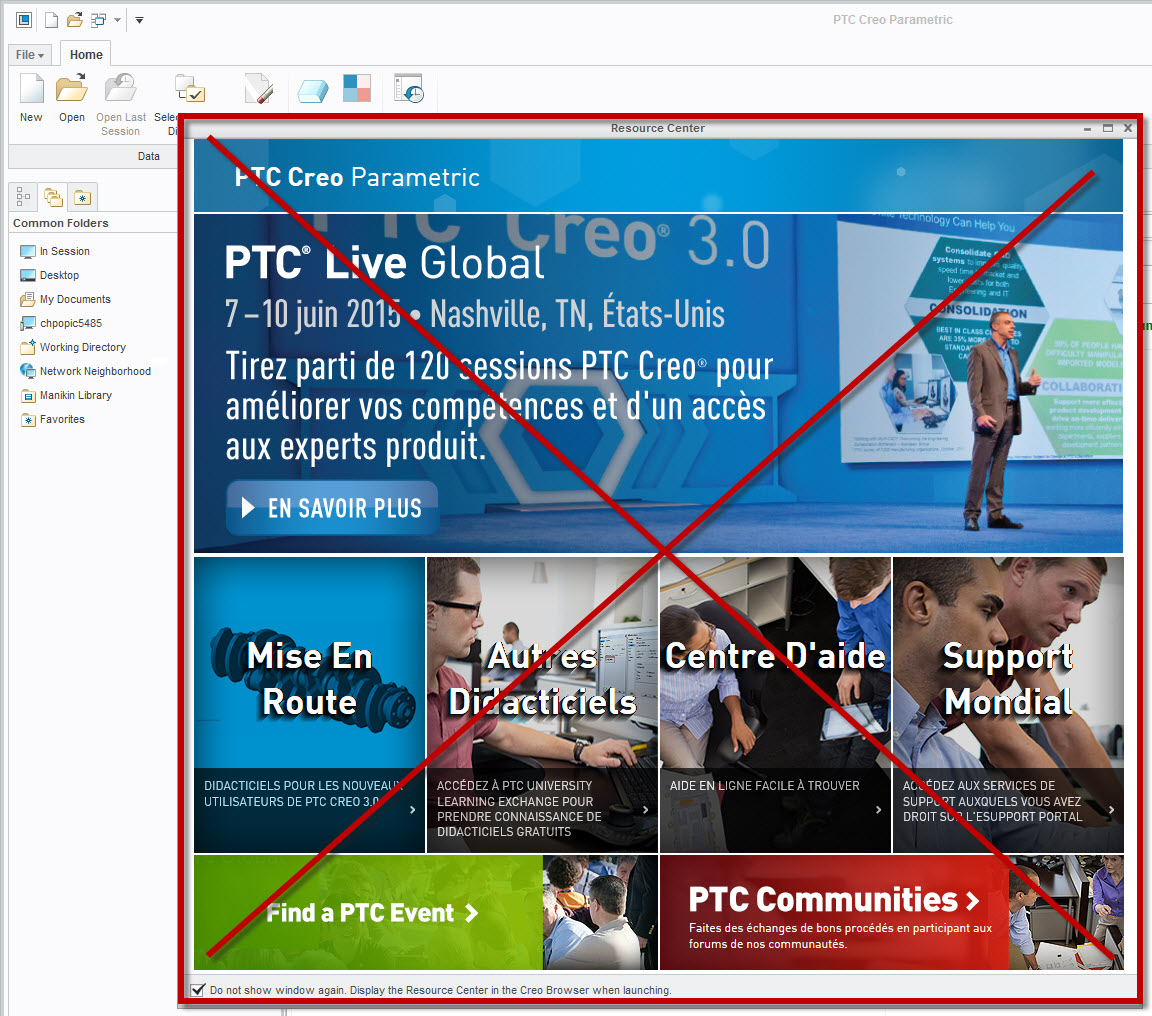
Resource center.jpg

Solution suggested by PTC :

  • Actions disabling questions in popup windows and stored in "creo_parametric_customization.ui" are not considered if file is stored as "creo_parametric_admin_customization.ui"
  • For instance, below are 2 popup windows appearing as default:
  • "New to Creo Parametric" dialog box at Creo Parametric 2.0 startup

Possibility is offered to check box "Don't ask me again".

  • When applying a new config.pro option and pressing "Ok" twice, systems opens a popup window saying:

The configuration settings that you have made will be applied to the current session only.

Do you want to save settings to a configuration file?
Possibility is offered to check box "In the future, do not show this message"

  • When box above are checked, information is stored in file "creo_parametric_customization.ui" located either in working directory or in the local cache (refer to article 37185 for further information)
  • At this point, question won't be re-asked again for future sessions as expected
  • However, if "creo_parametric_customization.ui" is:
    1. cut
    2. pasted in <Creo Parametric 2.0 load point>\Common Files\<datecode>\text
    3. renamed as "creo_parametric_admin_customization.ui"
  • System will unexpectedly re-ask again those questions when restarting new sessions.

SPR  2845653 / 2239491

Changes related to "Welcome to Creo 3.0" dialog through “show me the resource center in the Creo browser when launching” check box are not considered when saved to creo_parametric_admin_customization.ui in Creo Param

16 replies

Nov 13, 2023 1:41 PM UTC

Hi @DomenicLaritz,


You are correct, there is a new config option to disable the Resource Center starting with Creo 7.0.12.0.  With this hidden config set, the Resource Center will not launched or accessed (enable_resource_center yes*/no).  The default value is set to YES, which will show the Resource Center, but can be switched to NO to disable it.  This config will only be used with Creo 7.0.12.0 onwards.  We will look to productize this config in the future.


Thanks,

Mark

1-Visitor
Nov 13, 2023 2:22 PM UTC

Hi @mfischer,


thanks for the clarification.
Interesting that a product idea that was actually rejected was implemented in the end...!
That was probably an oversight.
Or a PTC developer was also annoyed by this window and thought it could be stopped without much effort.


Regards,
Domenic

Nov 13, 2023 2:31 PM UTC
Status changed to: Delivered

Starting with Creo 7.0.12.0, a new config option has been introduced to disable the Resource Center.  With this hidden config set, the Resource Center will not launched or accessed (enable_resource_center yes*/no).  The default value is set to YES, which will show the Resource Center, but can be switched to NO to disable it.  This config will only be used with Creo 7.0.12.0 onwards.  We will look to productize this config in the future.

Nov 13, 2023 2:35 PM UTC

@DomenicLaritz.  I have updated the state of this product idea to reflect it had been delivered.  While we had originally rejected the idea, based on the number of requests and discussions we had with customers, we introduced this capability.  As stated above, the config is currently a hidden config, but can be utilized in your session.


I still believe there is value in the Resource Center to provide users with updated information on the given release and news on Creo.


Thanks

Mark

Nov 13, 2023 3:46 PM UTC


We will look to productize this config in the future.

By "productize" do you mean make it not hidden or do you mean expand to the other releases?

Nov 13, 2023 7:24 PM UTC

@Chris3,


When I refer to productize the config, this means that while it will remain as a hidden config option customer that require it, will be assured it will remain available. The hidden config can be used with Creo 7.0.12.0, Creo 8.0.9.0, Creo 9.0.6.0 and Creo 10.0.2.0.


Thanks

Mark