
Add Sub-Applications and additional filters to Creo Help Center Profile Settings
Currently - Help Center Searches can return an excessive amount of inappropriate references. For example… “pipe” is a feature in both parts and assemblies.
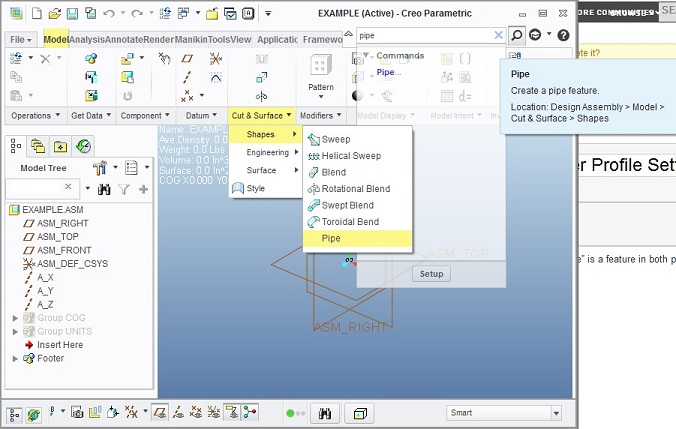
However, entering “pipe” in the Help Center Search returns 862 results…
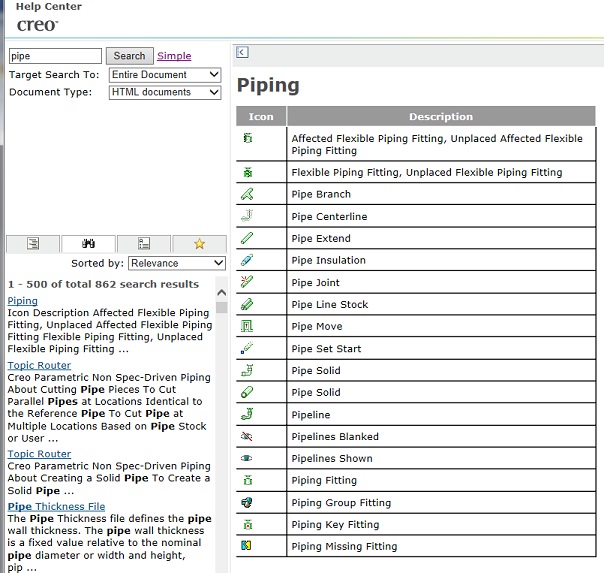
This provides a lot of un-useful 'help'. If Sub-Applications or other filters could be selected or de-selected as necessary, everyone could find the appropriate helpful information they need... much more efficiently. In this example (there are many other similar situations), if a sub-application of "Piping" could be de-selected, then only results NOT including the piping application would be listed as relevant.
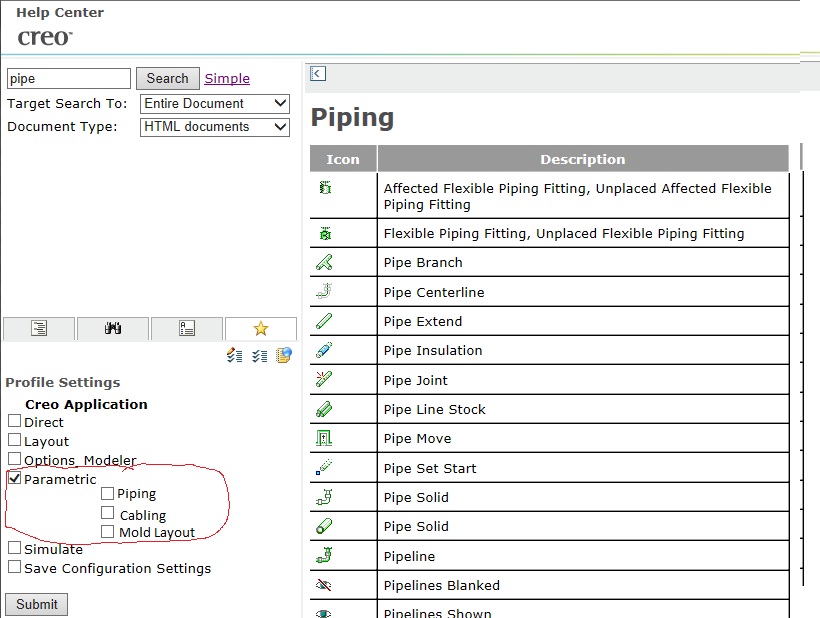
This would save hours of wasted time examining inappropriate help center search results.
It would also help to have the table of contents location (path) listed at the top of each result page rather than have to hit "Show in Table of Contents" each and every time to determine if the information is relevant.