
Jul 8, 2015 3:06 PM UTC
Archived

ADD OPTION TO CHANGE THE ORIENTATION OF UNDERLINED REFERENCE LINE

Related products:Creo Parametric

This is currently a limitation because there is no option available which will change the orientation of an underlined reference line in Drafting and / or Annotation.

The underline reference line is Always created from left to right.
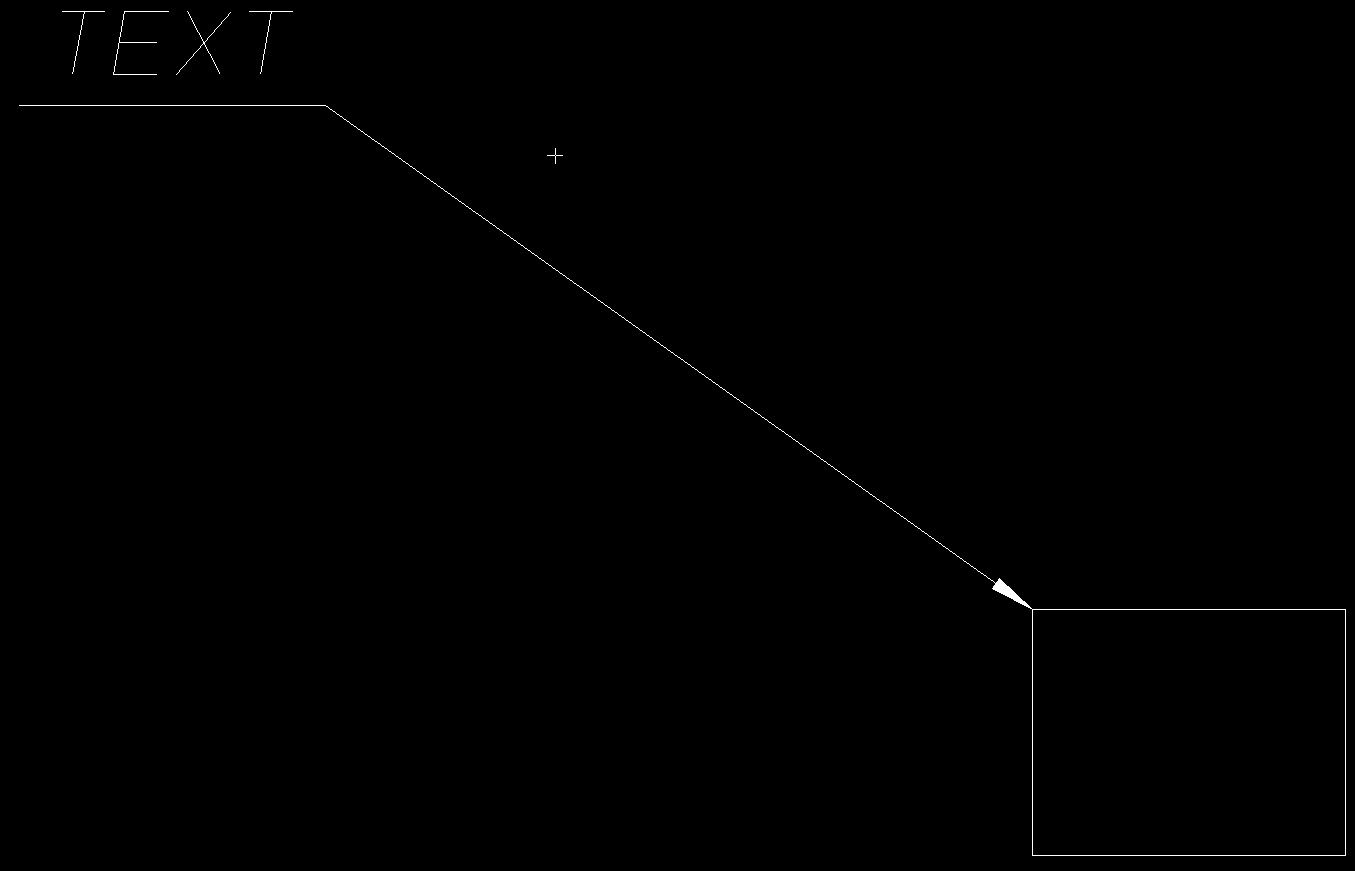

Immagine.jpg

The new option can be useful  to create the underline from right to left.

Immagine2.jpgLINE

3 replies

Jul 9, 2015 10:32 PM UTC

In Annotation, I am able to create reference lines from text that start anywhere I want and go any direction I want.ref_lines.JPG

Jul 10, 2015 7:09 AM UTC

Hello Peter

It is possible to draw the reference line with any orientation and direction but when you want to go underlined and from right to left you need to revert the normal orientation of the reference line that is left to right and so you need to create a overlapped horizontal segment.

So an option that revert the standard orientation can speed up this process.


olivierlp
Community Manager
Jan 4, 2022 4:35 PM UTC
Status changed to: Archived

Hello,

We are archiving your idea as part of a general review. This action is based on the age of your idea and the total number of votes received, as per this announcement.

You can always post a new idea with all the details required in the form.

Thank you for your participation.

Olivier