
Acknowledged
Ability to Extrude a closed surface "up to selected".
•We can extrude a solid “up to selected” that is not parallel with the sketching plane.
•Currently we are unable to extrude a surface “up to selected” if that surface is not parallel with the sketching plane. The surface that you want to extrude up to will not pre-highlight for selection.
•The functionality exists in extruding a mold volume in mold-design extension. A mold volume is nothing more than a closed quilt.
•The functionality is already in the software with solid extrude, I/We are asking for this functionality to be enabled for both solid extrudes and surface extrudes.
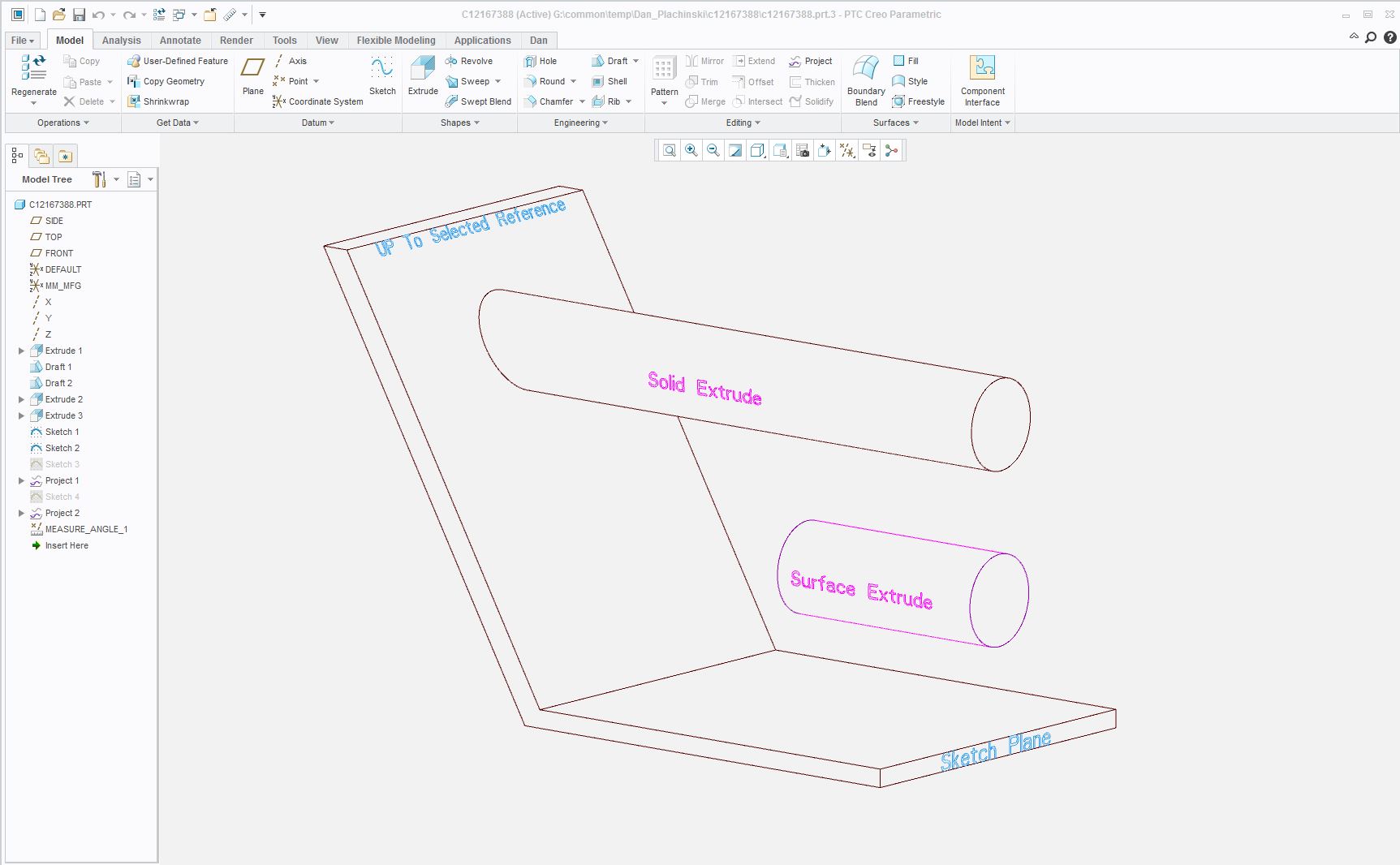
•There is a work-around: If you select solid extrude first, choose your “up to selected” reference, then switch it to surface extrude; it will only work if your “up to selected” reference is 3.0 degrees or less from your sketch plane.
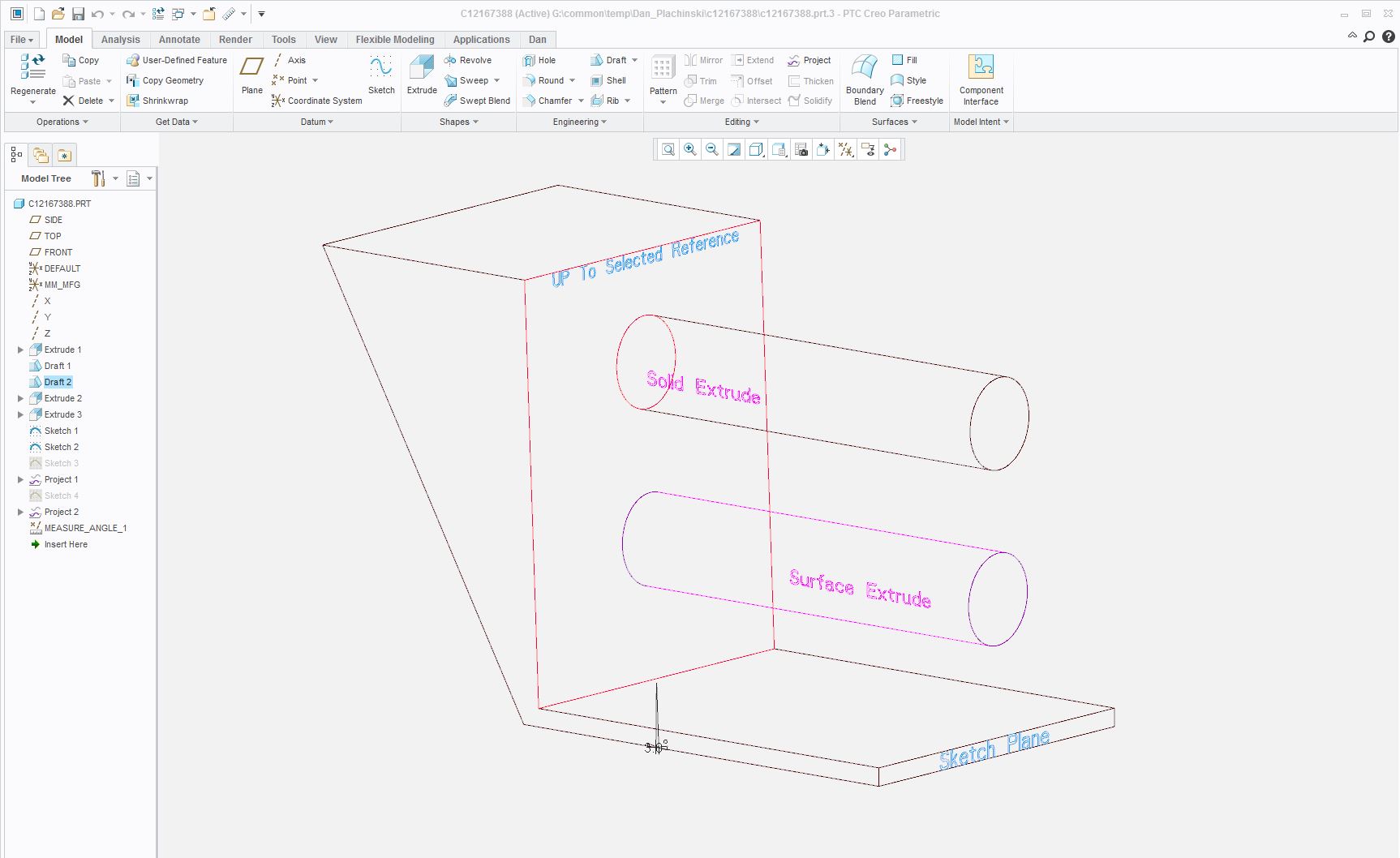
•This issue was submitted to tech-support under call number C12167388 and issued to R&D under SPR 2120094.
•
•Here is their response:
•
This is in reference to case C12167388, regarding “unable to Extrude a quilt “Up to selected” for a non-parallel reference”.
This issue was with R&D under existing SPR 2120094 and development has closed the SPR confirming that currently there are no plans to implement this functionality.
You can submit an product idea for the same at http://support.ptc.com/support/PTC_Product_Ideas.htm
Mahesh Sharma
Lead Technical Support Engineer
T 1.800.477.6435