Implementation In Progress
Ability to add a column of parameters in Auto Designator window
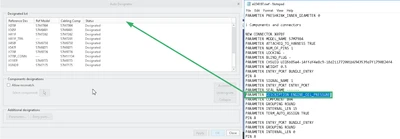
In Creo Parametric cabling it is not possible to add a electrical or customized parameter in the designation window like it's given e.g. in the Electrical Parameters window.
This functionality is essential to identify two or more identically connector part numbers with unique positioned X numbers. The idea is to add the column "description" to know which function has the connector and the to decide which has to be designated.
Or any other additional information which was included from the imported ECAD formated file, like Mentor file, XML or nwf.
See the picture how it should be
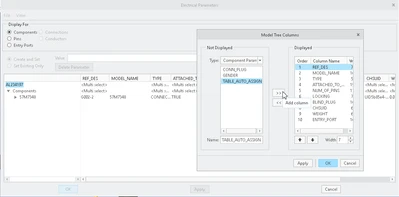
and how it is possible in other cabling electrical windows