Archived
3D dim labels in conjunction with clipping planes
A colleague of mine tried to drive modifications using the 3D dims,
but failed when he tried to use 3D dims in conjuction with clipping planes.
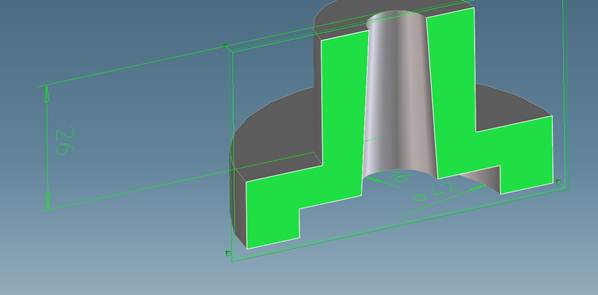
The example underneath shows two dims, - one on the center of the part, the second
artifically placed next to it by splitting the edge of the inner circle and using the vertex as reference.
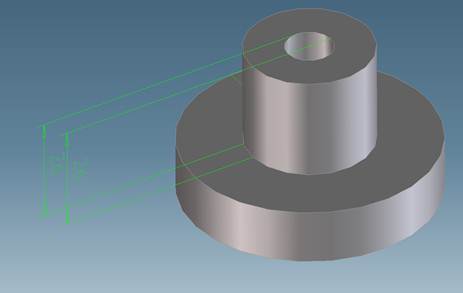
When clipping this part all dims on the clippingget suppresed and thus not accesible for driving any modification on this part.
My expectation would have been that at least dims on the plane would be visible , - better all dims going across the clipping plane also.