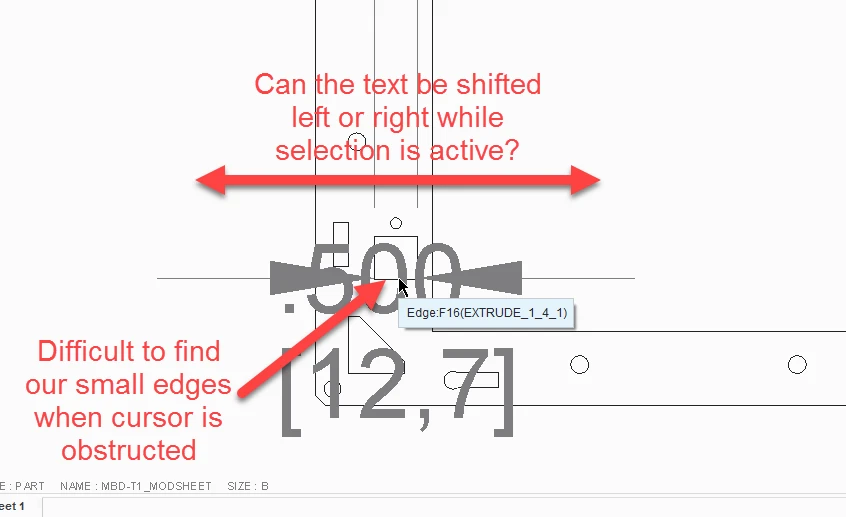
2D Detailing in Drawings, Please move the dimension text away from the placement cursor
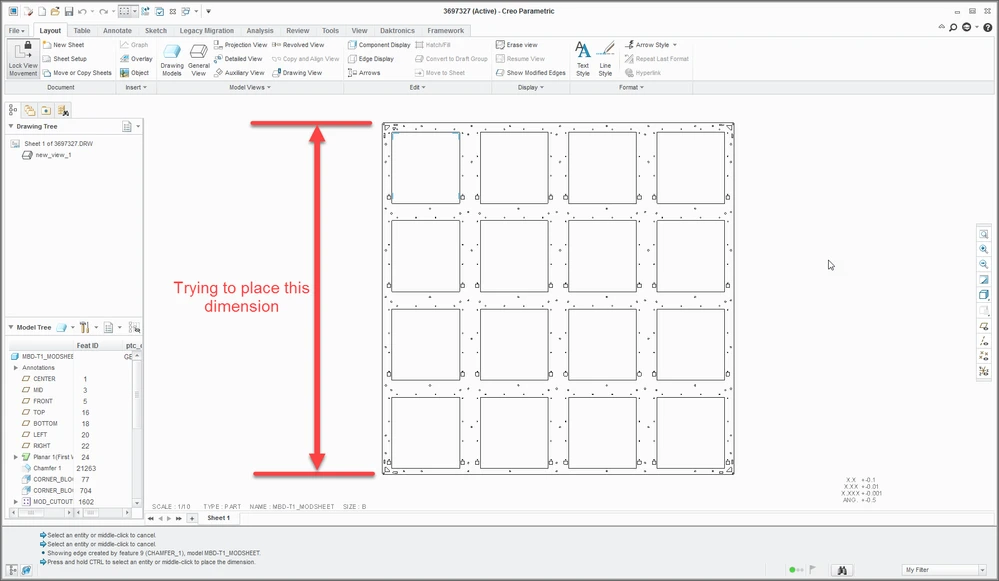
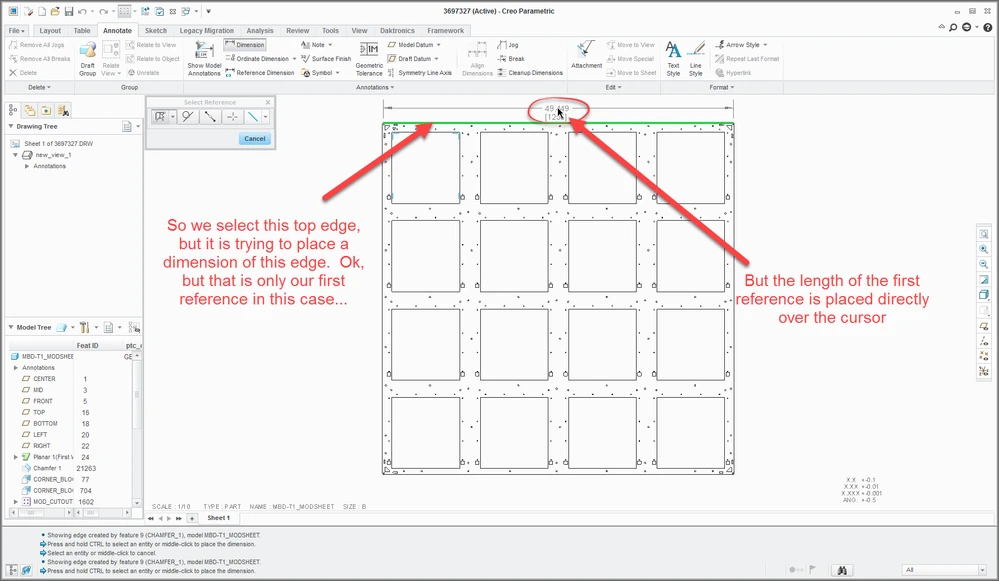
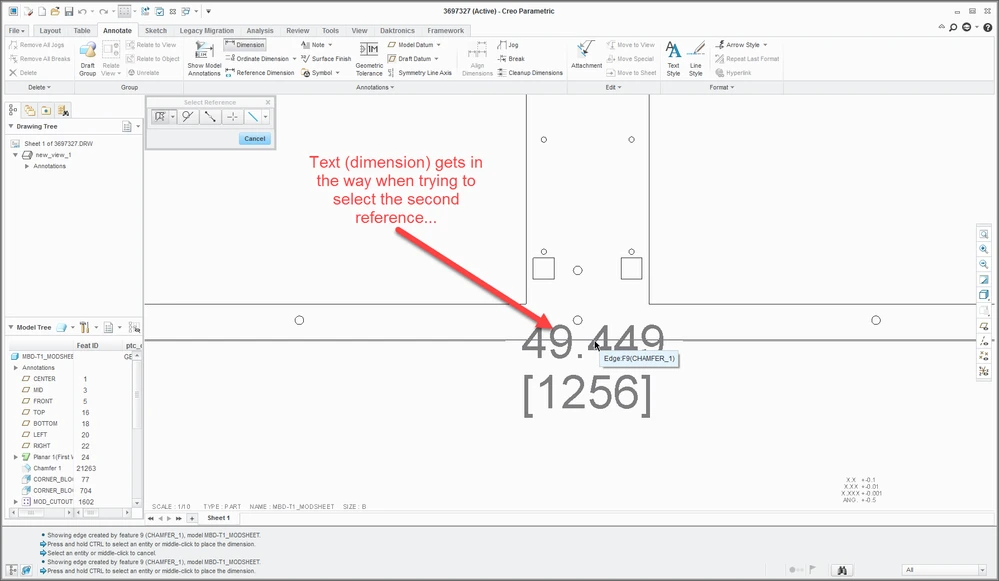
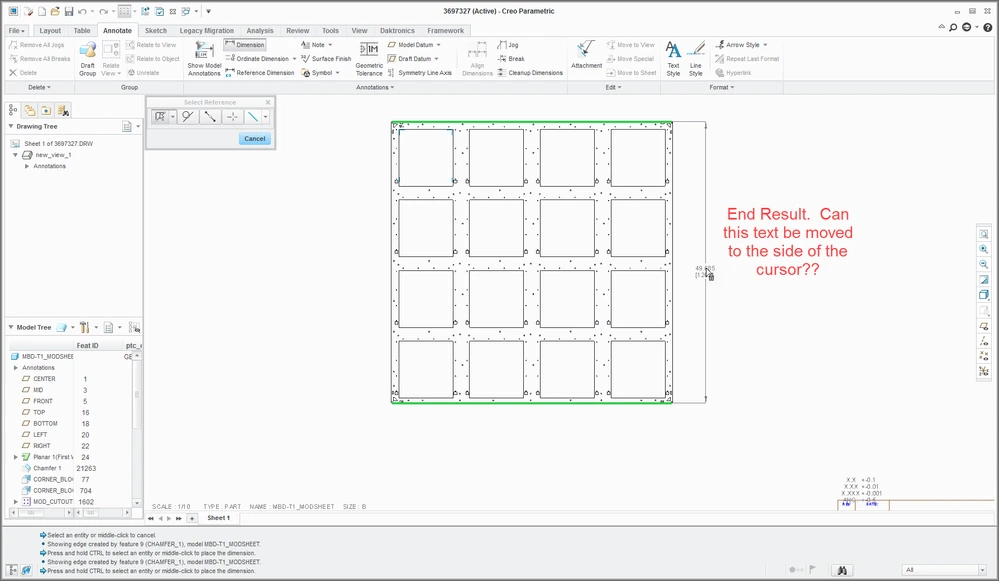
hen we dimension our parts in Drawing mode, we often times have to select two edges or surfaces for placement of dimensions. What we have found is that by selecting one edge first, that edge gets a dimension (although, that is not the length you are looking to dimension), but that text covers the cursor when you try to place select the second edge or surface. When this is a very small feature, this is a bit obtrusive. Is there a way to move that text to the side of the cursor so that the arrow is unobstructed? We have many users organization-wide that complain about this on a daily basis. I mean I understand that users may want to place that text dead center on the length of the dimension, but while the selection is active, can the text shift to the left or right?