Question
Re: Sett Default Surface Color
Doug,
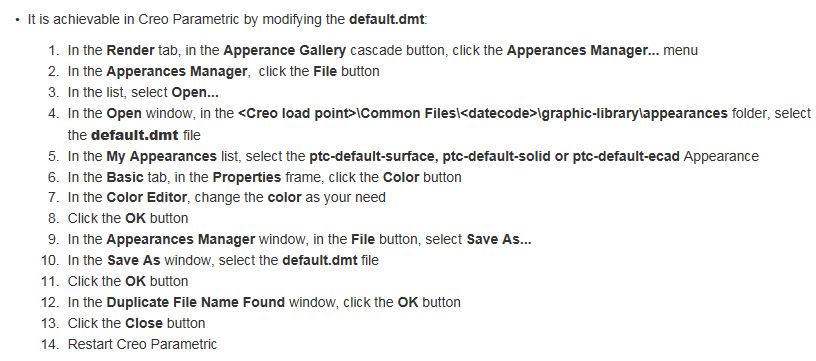
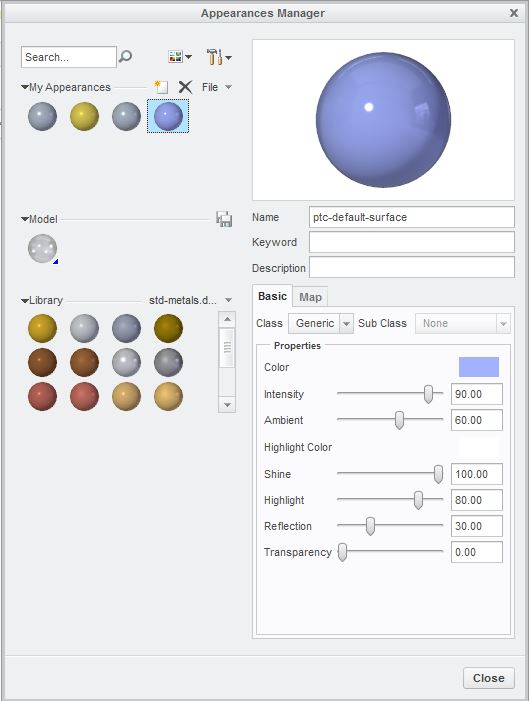
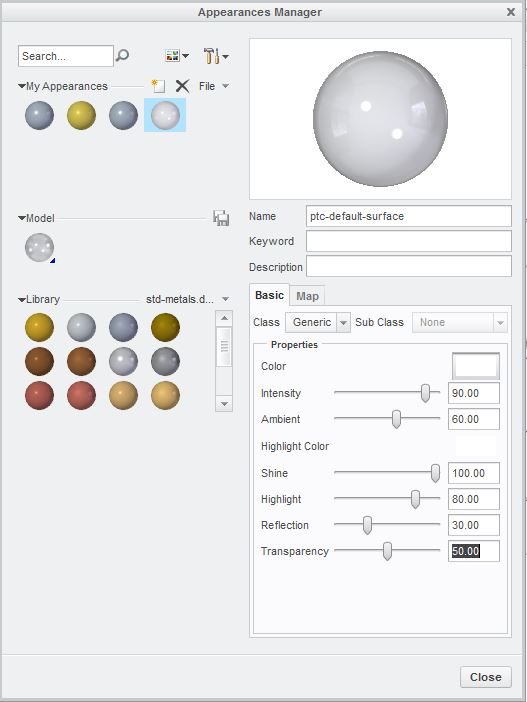
There is a way to change the default color for surfaces, and it has to be changed with the default.dmt file, not the config.pro file. I've attached some instructions for Creo, and I just tested in Creo 3, so the steps are a little different. But there is enough information in the attached instructions to get the default color changed. So now, every time I create a surface, it's always transparent.