Question
Re: Modify a part removing cavity
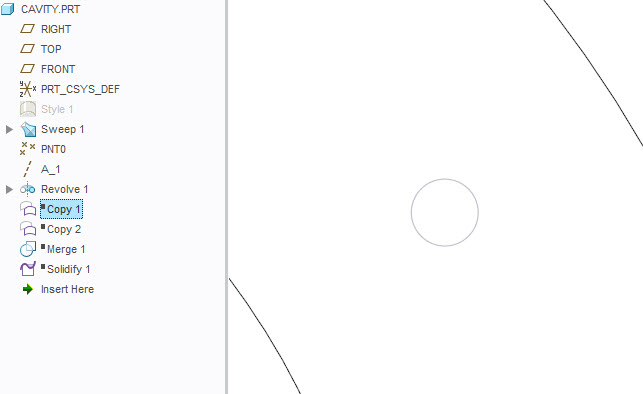
Without looking at the part, you can try:
1. Copy and Paste the Surfaces
2. Merge Surfaces
3. Solidfy
This will fill any cavity in the model. The below example is a cavity in a solid rod.

Without looking at the part, you can try:
1. Copy and Paste the Surfaces
2. Merge Surfaces
3. Solidfy
This will fill any cavity in the model. The below example is a cavity in a solid rod.
Enter your E-mail address. We'll send you an e-mail with instructions to reset your password.