
Feb 17, 2016 12:42 PM UTC
Question

Re: Model Tree scroll up when i Activate the window

Leonardo,

I tried to replicate the same type of problem, but I couldn't.  Perhaps I'm not understanding your problem.  I have two Creo Parametric windows, and when I activate one or the other, my model tree does not scroll to the top.  I'm using Creo Parametric 3.0 M070.  Can you upload a screenshot of your problem?
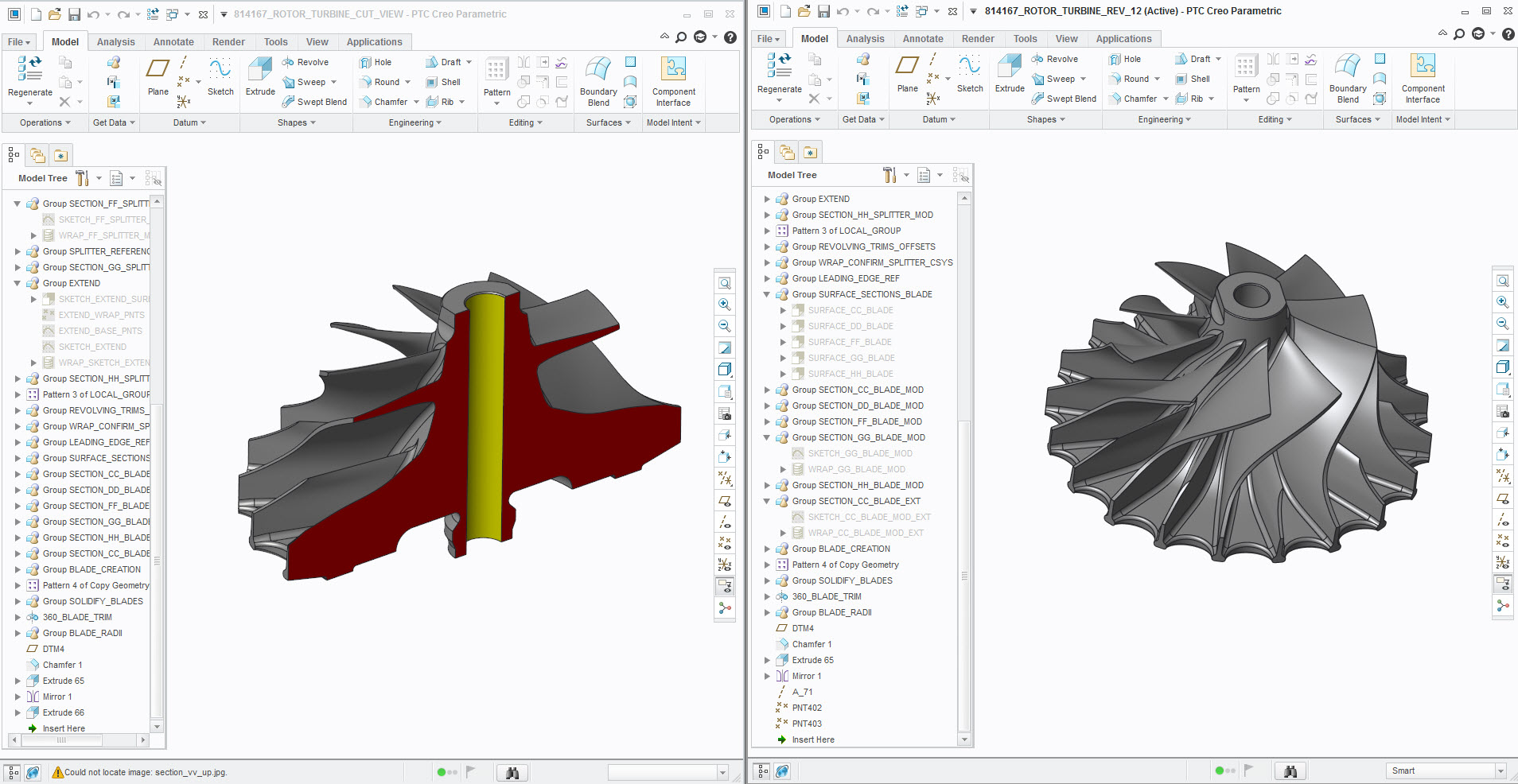
two_windows.jpg

    2 replies

    Feb 17, 2016 1:02 PM UTC

    Hi,

    see the images in attach. When i press cntrl+A  (right window) in order to activate the window it scrolls to

    the top and also close all the parts trees.

    I have CREO 2 version M090.

    Before_Activate.JPG

    After_Activate.JPG

    Feb 17, 2016 2:28 PM UTC

    I am on Creo 2 M170 and don't see the issue either. It maintains the model tree as is no matter how many times I switch back and forth.