Question
Re: How to show datum axis on cylinder in creo 2.0
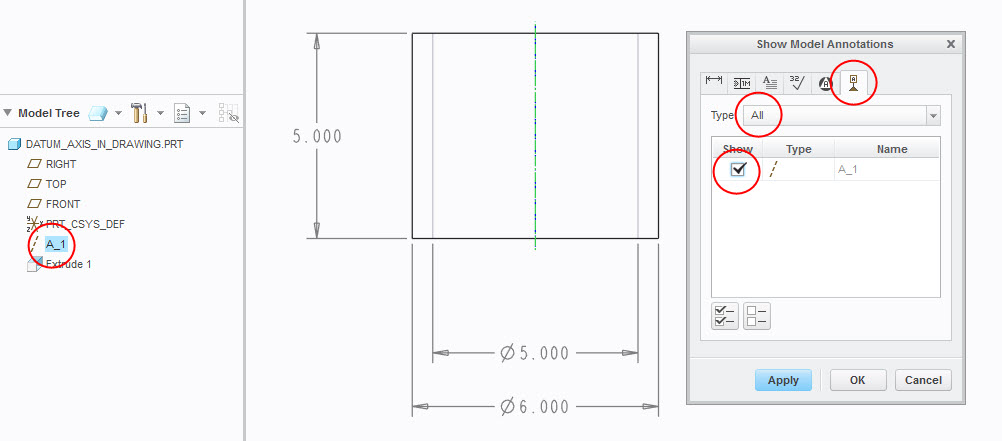
The display of the datum axis in a drawing is controlled by the Show Model Annotations window. To show an axis:
- Select Show Model Annotations
- Activate the Datum Tab and Select All
- Select the desired axis
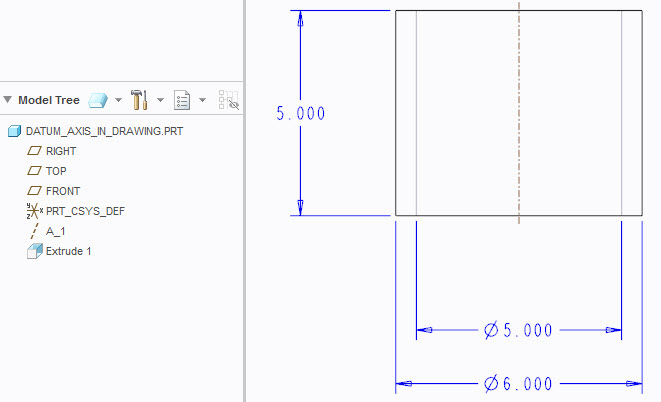
The below image is an axis in a cylinder in a 2D drawing.