Mar 12, 2014 12:05 PM UTC
Question

Re: how to measure area in drawing mode

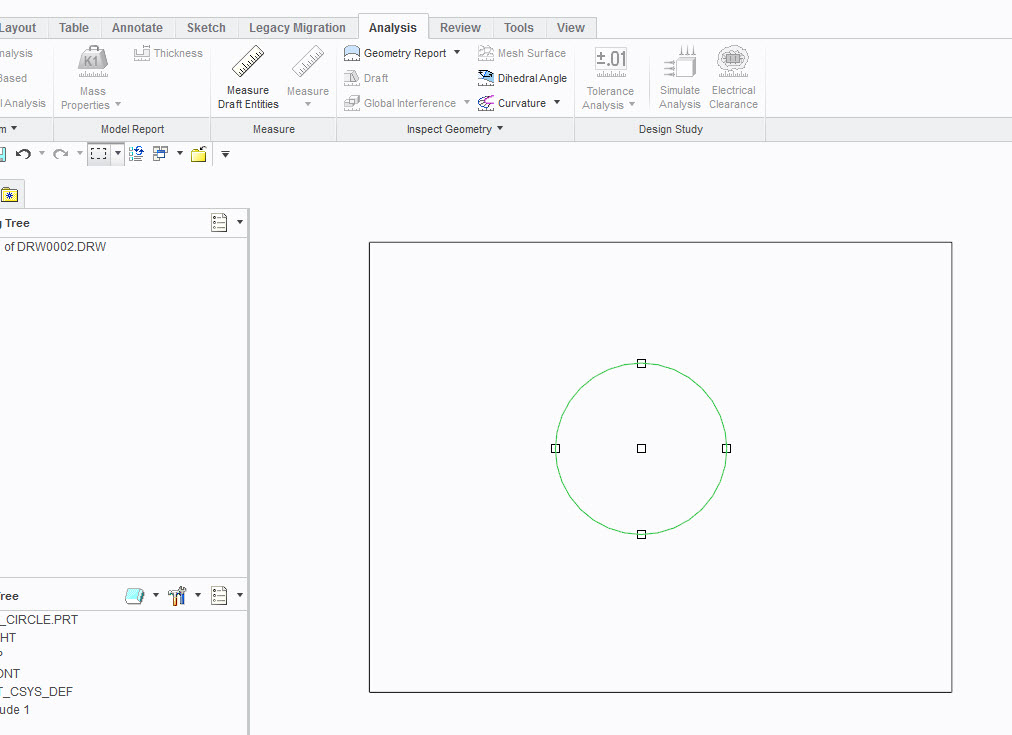
You can measure the area of a 2D drawing if you import a 3D model, as shown in Figure 1 below. If you make just a sketch in 2D, as shown in Figure 2, you cannot measure the area. So while in 2D sketch, you can and cannot measure areas, just depending on how you use it.
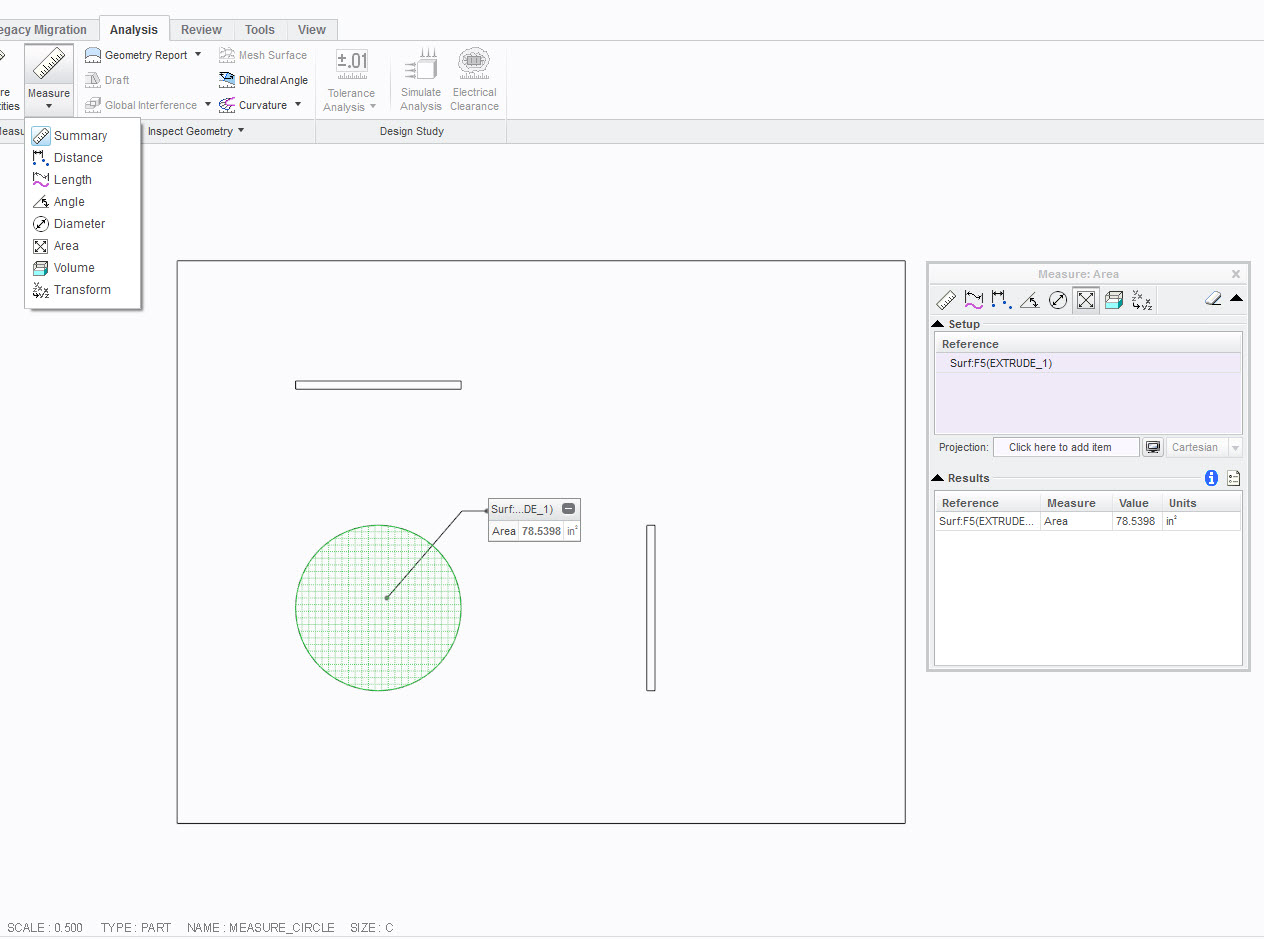
measure_circle.jpg

Figure 1

measure_circle_ii.jpg

Figure 2

    8 replies

    Mar 13, 2014 12:08 AM UTC

    but i don't have a 3d model! it's a layout of a factory. why can't ptc make it possible to measure in 2D when it's available in 3D. the concept is the same after all.

    i already know the workaround to this. it's required extra step. which i don't want. i want to work smart....

    Mar 13, 2014 3:28 AM UTC

    The concept is not the same. In 3D it is measuring the area of a surface. There is no surface in 2D drawings.

    You could have created the outline as a datum curve in 3D and selected it and filled it to create a surface, but chose not to.

    Mar 13, 2014 3:38 AM UTC

    what about using the hatch or fill area?anhatch.jpganyway, how to get ptc to add this function. i'm sure it can be done. i have 2D drawing program that can do this. i'm sure it's not complicated. the reason i don't use that program is to streamline my work.