Question
Re: How to make a .pts for a curve feature?
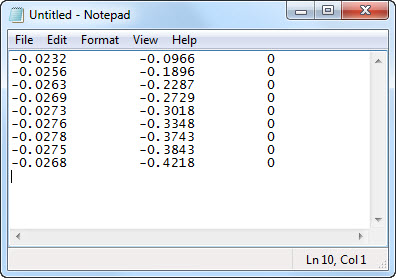
Open a text editor, such as Notepad, and place the values for your points in three columns (x y z). The first column is x, the second y, and the third is z. If the value for any of these is zero, put a zero. Save the .txt file, then change the file extension to .pts.
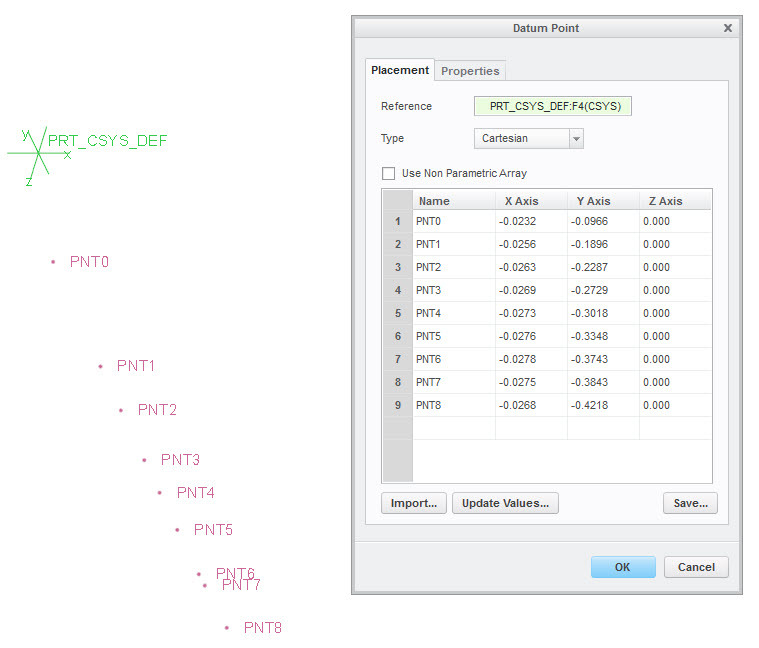
You can now import the points (shown below) and create a curve through the points.