Re: Exclusion of a component
Giulio,
I took a brief look at your assembly, and here's what I'm seeing that needs attention:
1. The model won't mesh because of invalid fasteners. You have fasteners going through holes of different sizes. The bores need to be the same size.
2. Some of the fasteners are connecting more than two components. Creo's advanced fastener is only for two components.
3. This is a multi-body contact problem, but there are no contacts. If you leave Fix Seperation off in the fastener definition window, the components will bind around the edges of the holes. To avoid this, you will need a contact interface. If it doesn't matter, then leave as is, if you're not interested in fastener loads.
4. The geometry appears to be symmetrical. If the loads are symmetrical and parallel to the plane of symmetry, you could cut this assembly in half.
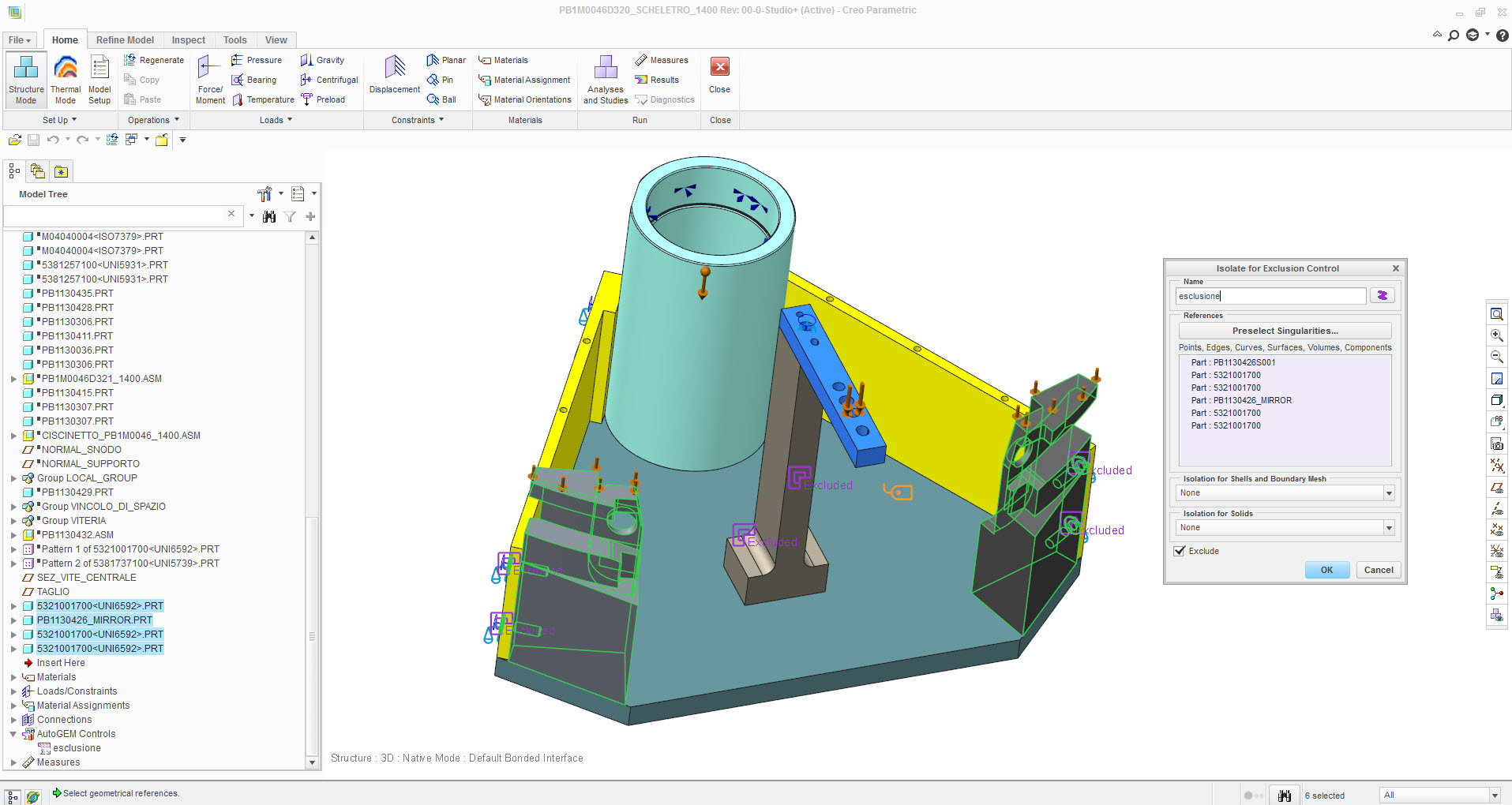
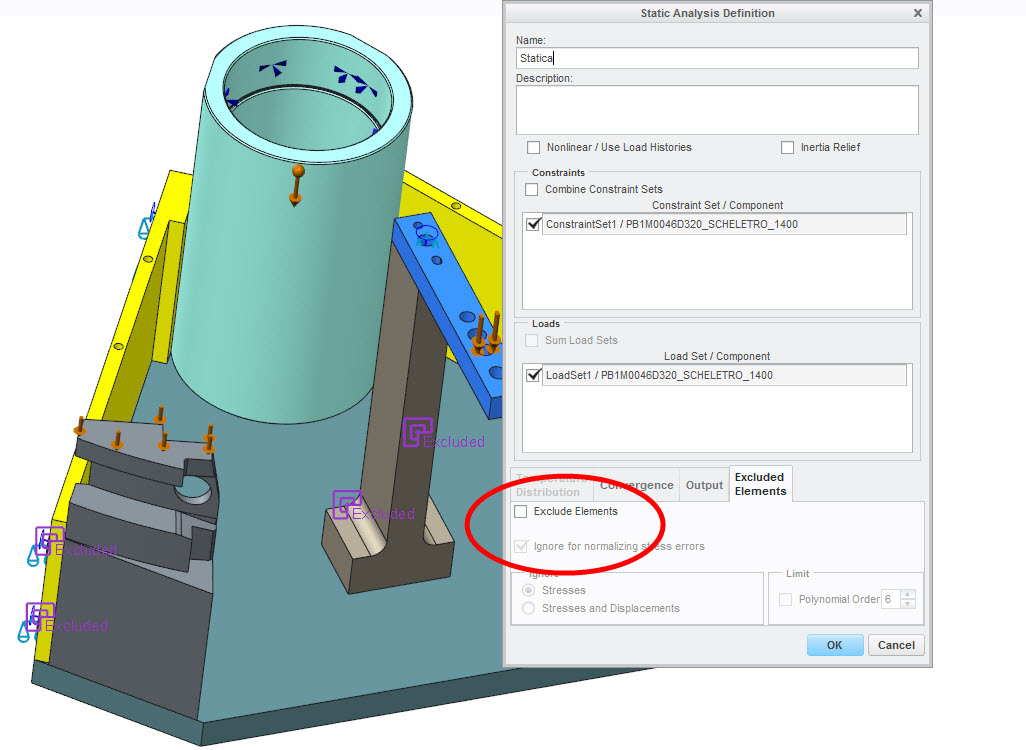
5. The Exclude Elements needs to be selected before running.