
Feb 22, 2017 7:51 PM UTC
Question

Re: Creo 4.0 F000 Installation Problems

I checked all the logs in the following:

1. Symantec Endpoint Protection

2. McAfee Agent Monitor

3. Computer Management/Event View/Application

I did find where the Creo application is "hanging" in the Computer Management Tool, but it doesn't give me the cause.
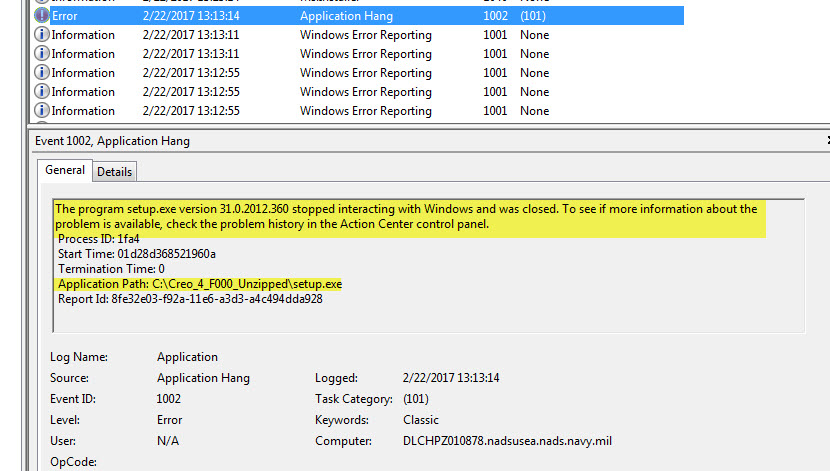
application_hang.jpg

    2 replies

    Feb 22, 2017 8:45 PM UTC

    Does a log file get created in %TEMP%  (C:\Users\<user name>\AppData\Local\Temp) ?

    Does it make any difference if you launch it from a command prompt or run as administrator?

    Feb 22, 2017 9:05 PM UTC

    Even as a test user with no rights to install software, I still get the initial dialog and a log file created.  The install does not succeed, but at least it tells me so:

    We need to figure out what's killing it on your PC.